
Quotation & order processing
From enquiry to production order.
Without media breaks between sales and production.
EVOMECS connects the commercial side of an order with its production. Enquiry, quotation and order are created where the parts will later be made. An order only goes into production once it is properly linked to it, and revenue, cost and margin stay in view for every order.
- Enquiry, quotation and order in one continuous workflow
- Defined preconditions for every order status
- Quotations supported by similar parts and existing routings
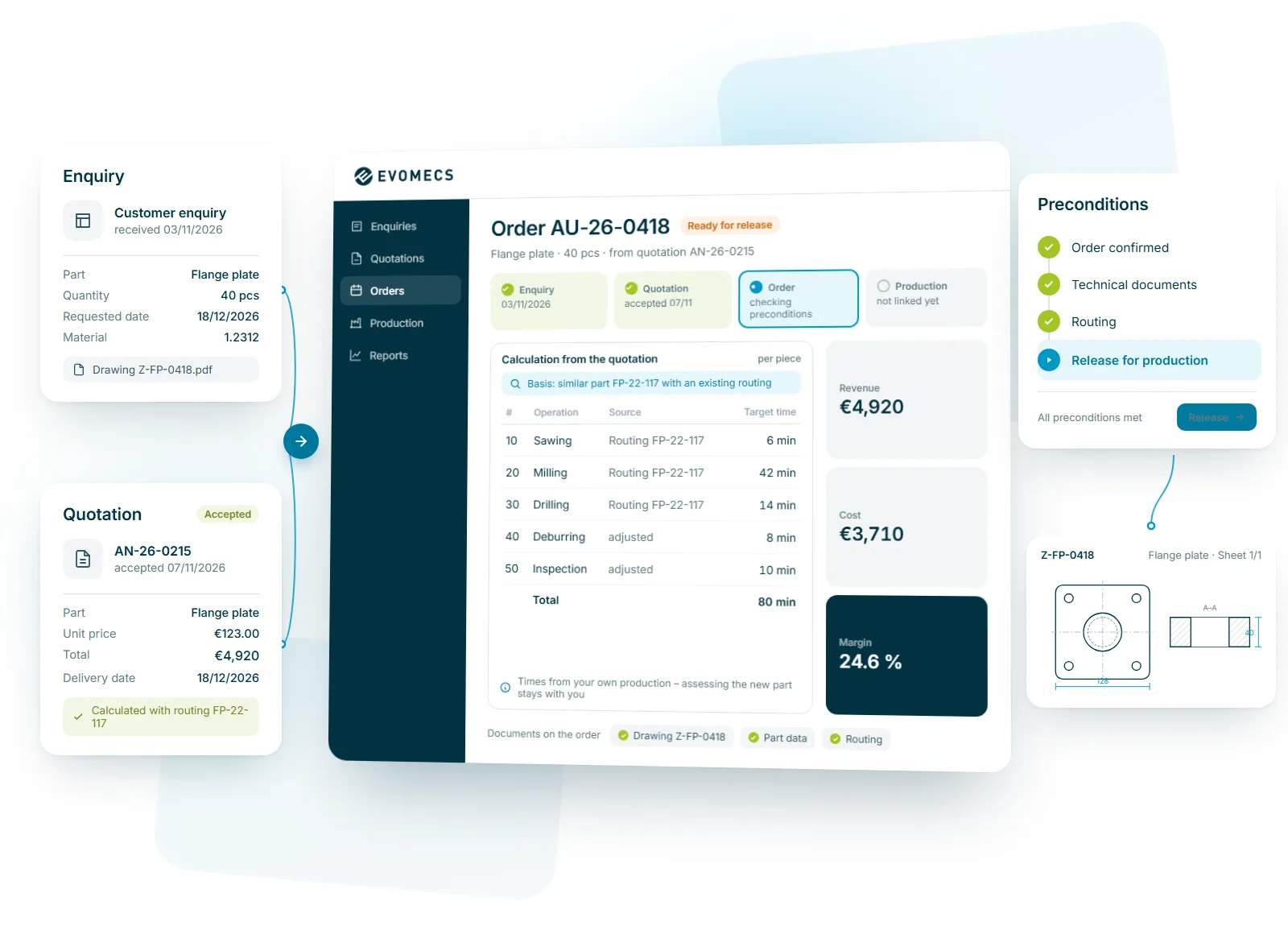
An order only goes into production once it is ready.
In many shops there is a media break between sales and production. The quotation is drawn up in a spreadsheet, the order in another system, and production planning creates it again by hand. Whether drawing, material and routing are complete is often only settled by asking around once the order has already been scheduled.
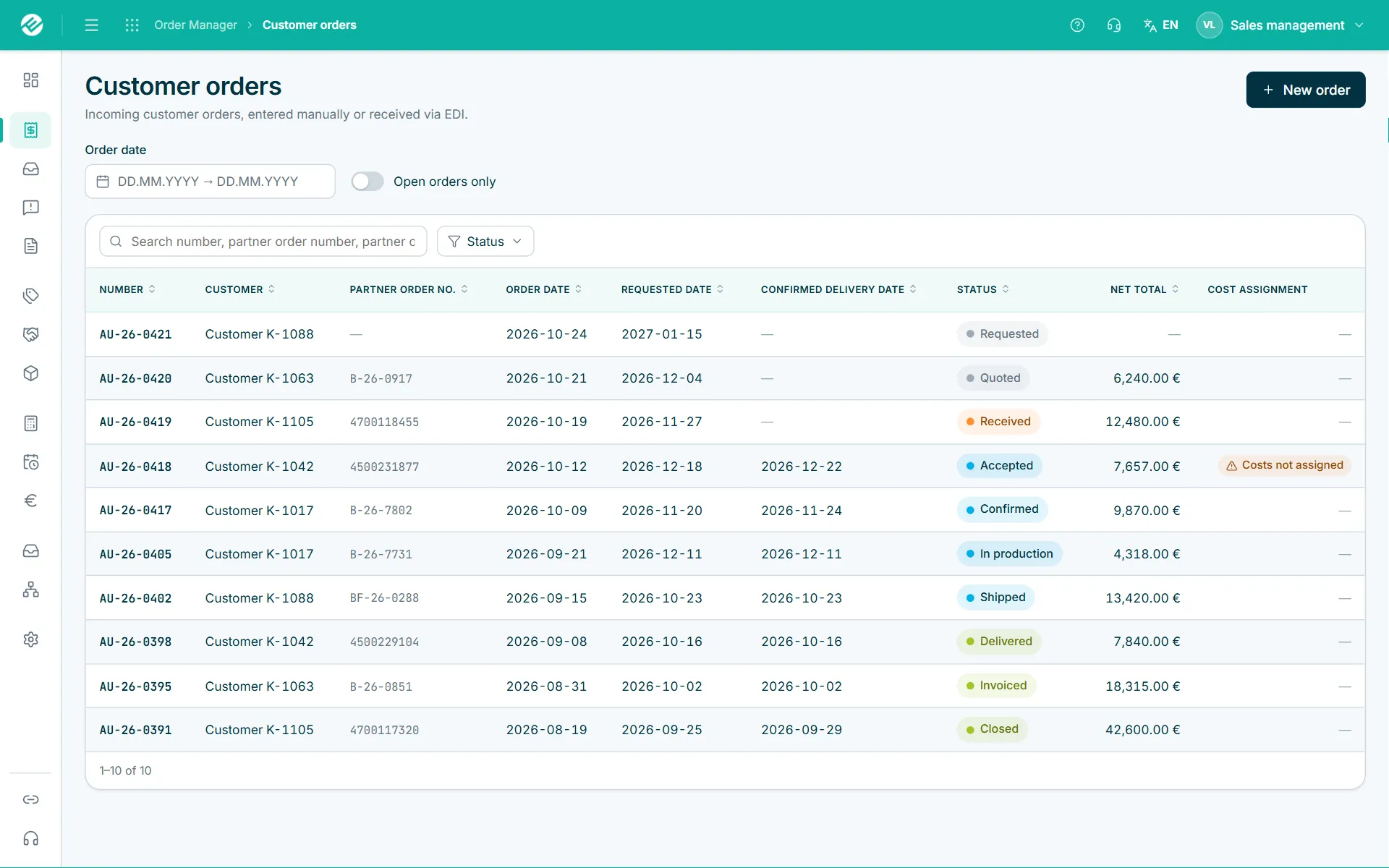
In EVOMECS, an order passes through set statuses, and each status has defined preconditions. Only once they are met is the order linked to production and released. Sales, production planning and the shop floor thus work on the same order instead of transferring information from one system to the next.
Which statuses and preconditions an order passes through is adapted to your processes during implementation.
Example illustration
Order SO-26-0418 · Flange plate · 40 pieces
- Order confirmedQuotation accepted, delivery date and price recorded in the order
- Technical documentsDrawing and article data complete and assigned to the order
- RoutingOperations and standard times defined for production
- Release to productionThe order is linked to production and scheduled
What belongs together between enquiry and production.
01
From enquiry to order
Enquiry, quotation and order build on one another. What the quotation records about article, quantity, price and date is carried over into the order and does not have to be entered again. It stays traceable which quotation an order came from and which terms apply to it.
02
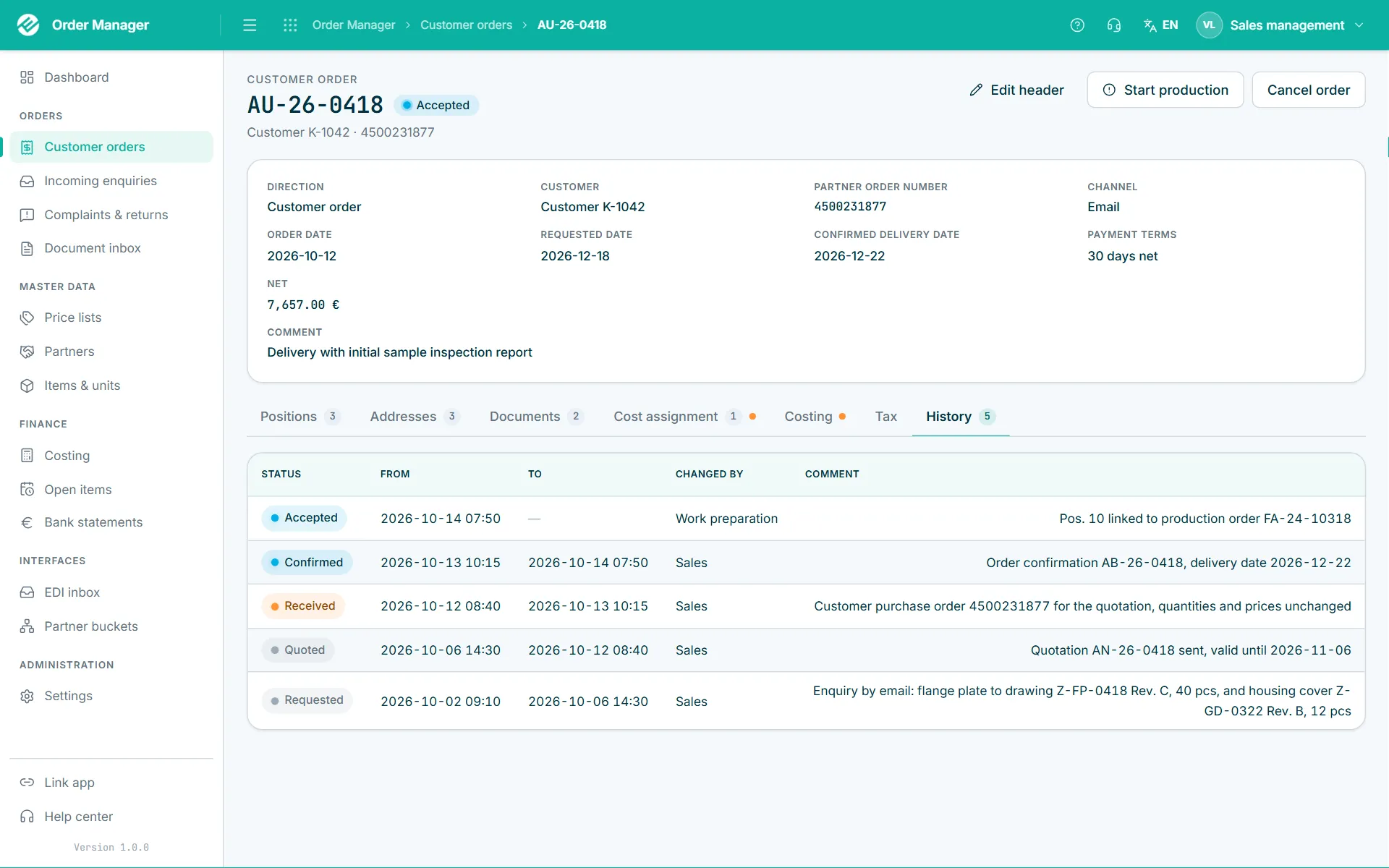
Clear order statuses instead of word of mouth
Each order status has defined preconditions. If a drawing, a routing or a confirmation is still missing, this is visible on the order before it goes into production. Only what has been prepared arrives at the workstation; what happens there is described under order control.
More on order control & worker guidance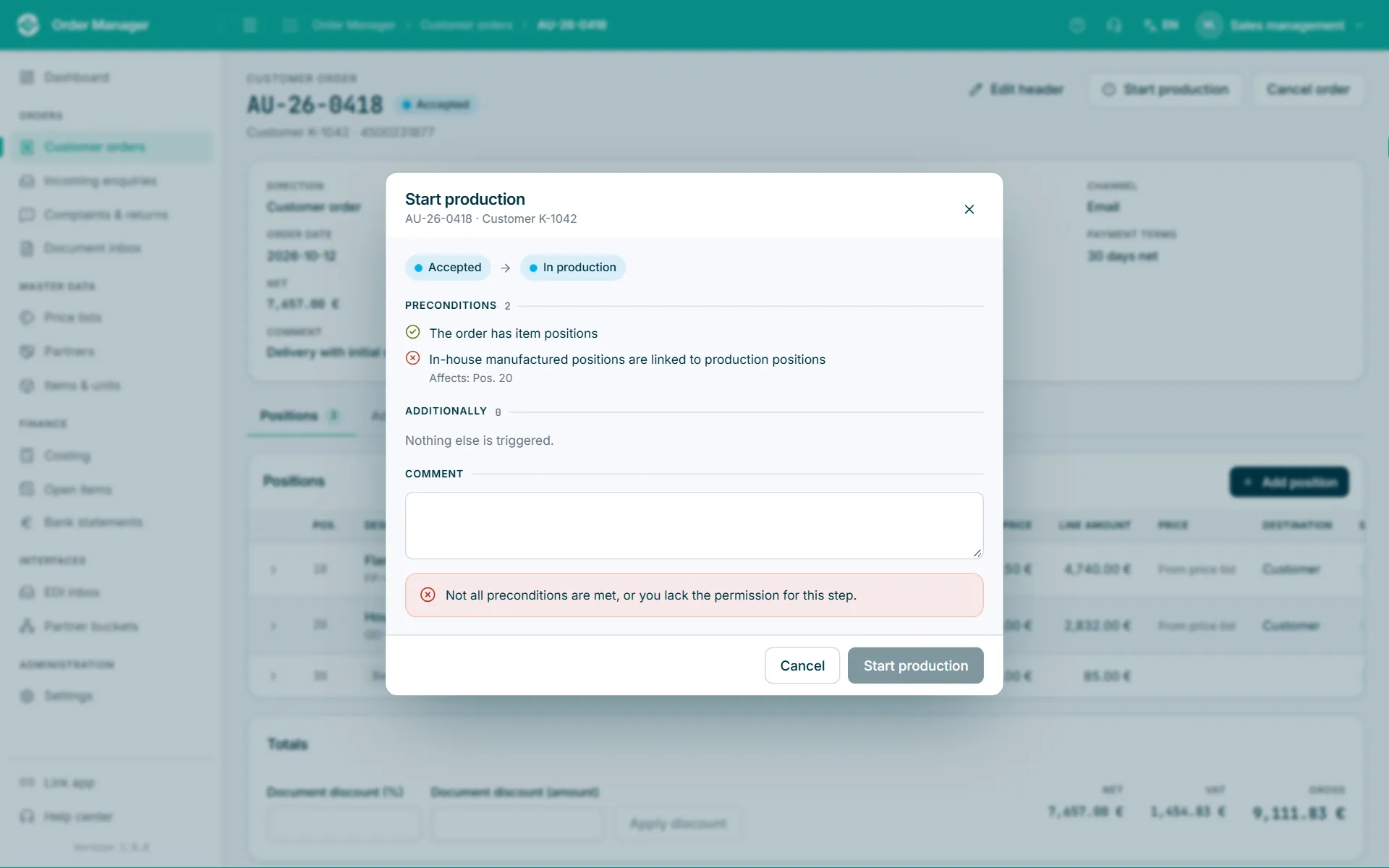
03
Quotations on a solid basis
For a new enquiry, similar parts and their existing routings can be drawn on. If you have already made comparable parts, your costing does not start from scratch but from operations and times taken from your own production. Assessing the new part remains your call.
More on integrated production planning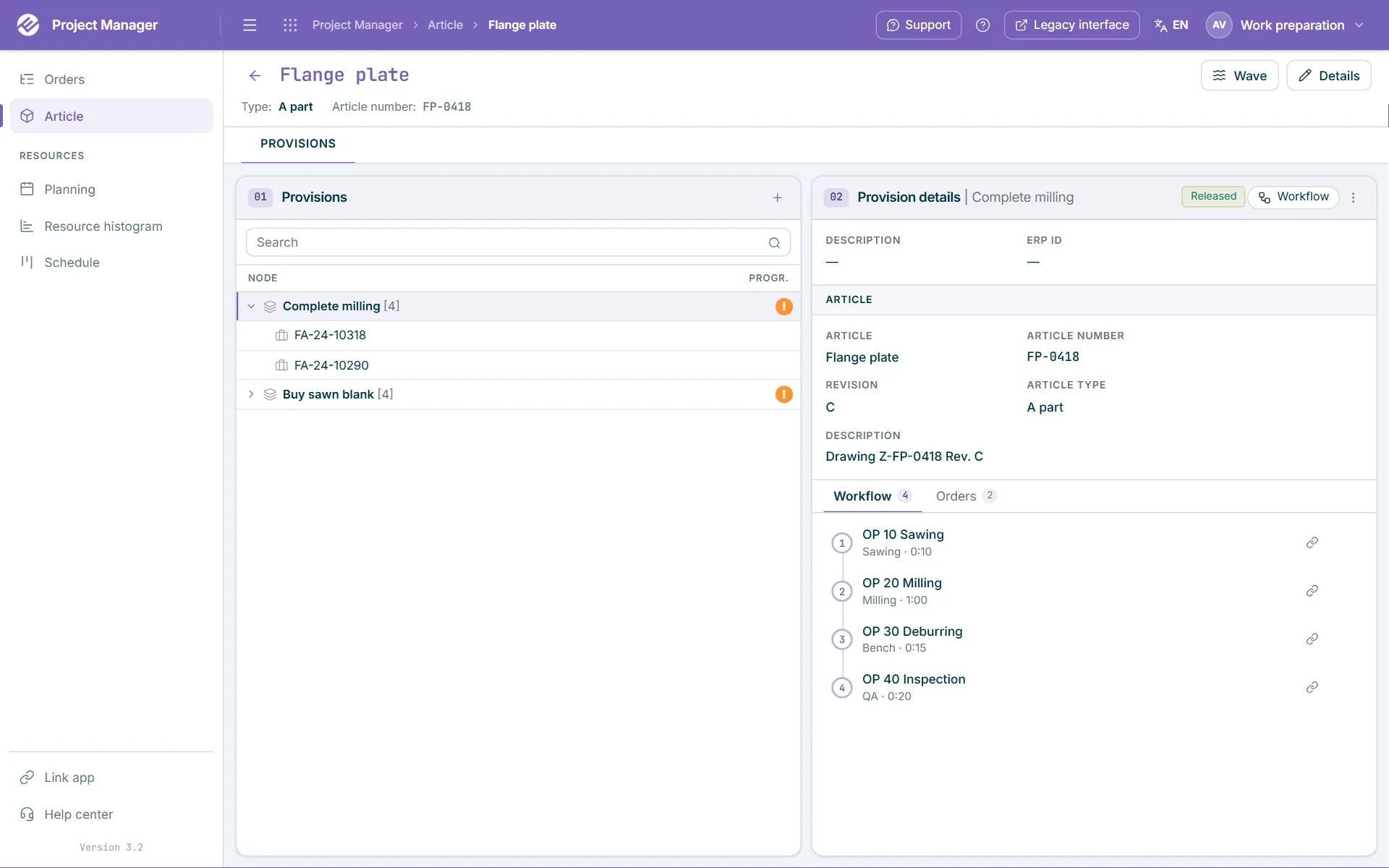
04
Revenue, cost and margin per order
Because quotation, order and production are connected, revenue, cost and margin can be compared for each order. This shows which orders have paid off and where the costing should be adjusted for the next similar part.
More on dashboards & analytics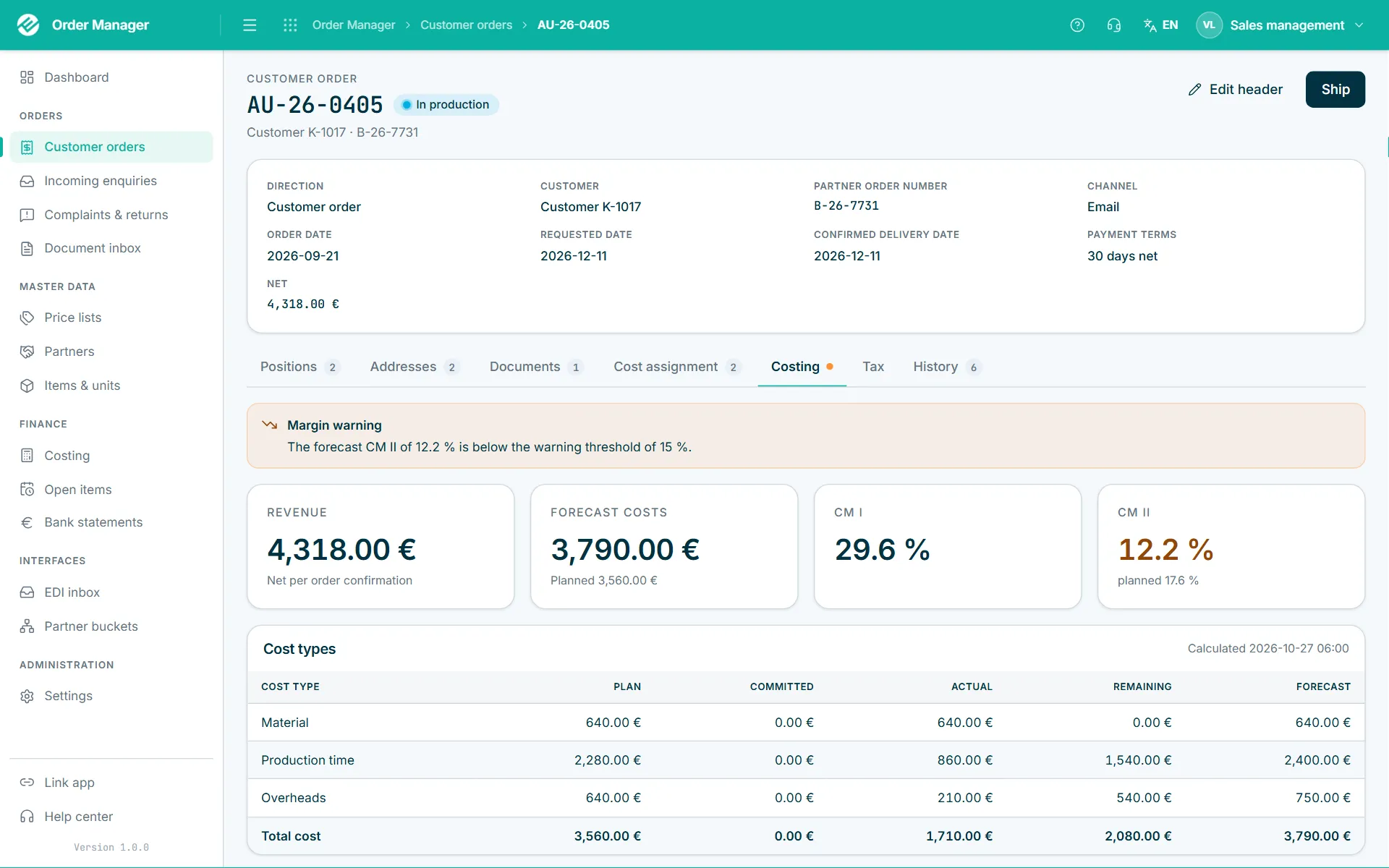
No large industry ERP needed
Production workflows in EVOMECS, simple bookkeeping alongside.
You do not need a large industry-specific ERP for this. EVOMECS handles the production-specific workflows from enquiry to finished part; for bookkeeping, a simple, industry-neutral solution is enough. If you already use an ERP system, it remains part of your processes. EVOMECS is open to existing systems, and the connection is agreed on a project-specific basis.
Less double entry. Clear handovers. Orders at a glance.
How the order reaches the workstation- Quotation and order data does not have to be entered again for production.
- Orders only go into production once their preconditions are met.
- Open points are visible on the order rather than only in someone's head.
- Costing is based on routings from your own production.
- Revenue, cost and margin are traceable for every order.
- Sales and production work on the same order.
Frequently asked questions about quotation and order processing.

Benjamin Neubauer
Chief Executive Officer (CEO), EVOMECS
How to get started
Your demo – tailored to your production.
In the first meeting we show you EVOMECS in a live demo tailored to your company. Afterwards you can try EVOMECS free of charge for two weeks in your own demo system.
- 1First meeting · 30 minutes onlineWe introduce EVOMECS, show it in a short live demo and clarify your needs.
- 2Your demo systemIf you wish, we set up your own demo system in Shopfloor Light – with your machines and sample data. You receive the invitation by email.
- 3Try it yourself for two weeksYou and your colleagues try out how orders, feedback, machine status and downtimes work together. Free of charge, without installation and without connecting machines.
- 4Connect your machinesIn Shopfloor Light you connect your machines yourself using our guide. If you wish, we support you in a pilot project.
First meeting: 30 minutes · online · free of charge