
Integrated manufacturing automation
Digital at the workstation today.
Automated tomorrow. On the same platform.
EVOMECS connects shop floor digitalisation and manufacturing automation on one shared platform. You can start in manual production and later use the same digital infrastructure for automated cells and lines – without a new system and without duplicate data.
- One digital basis for shop floor and automation
- Order, machine, tool and NC data across system boundaries
- Step-by-step expansion instead of a system change
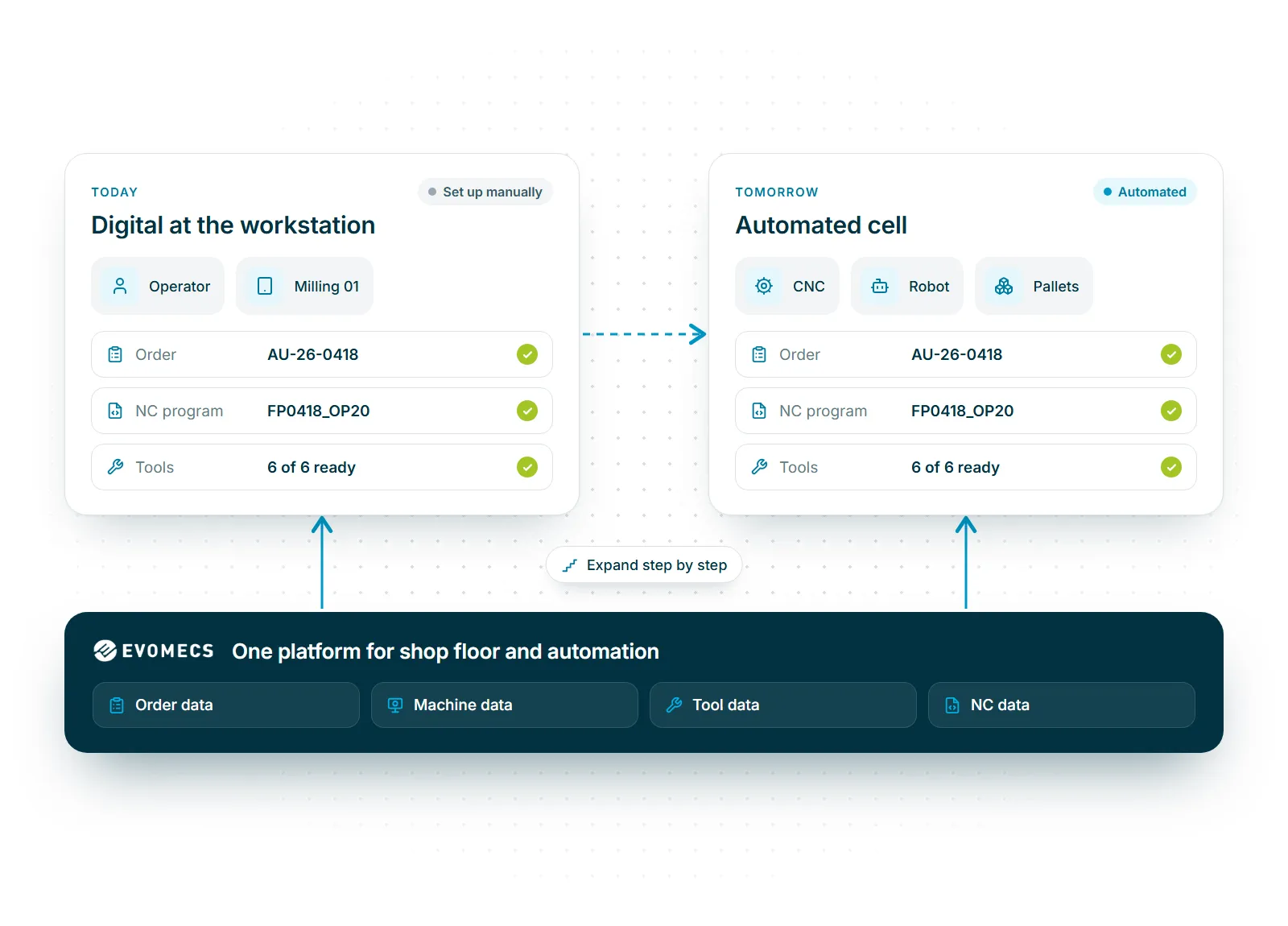
Digitalisation and automation are not separate system worlds.
Automation often starts as a project of its own, next to the existing production IT. The cell gets its own software, its own tool lists and its own order management. The same data is maintained in several places, and manual and automated areas are hard to oversee together.
EVOMECS takes the opposite route. The digital processes you already use on the shop floor – from order processing through the tool process to the NC job – also form the basis for automated execution. Automation extends the existing platform instead of building a second one next to it.
Which machines and automation components are integrated depends on their controls and interfaces and is implemented per project.
What the shared platform makes possible.
01
Use data across system boundaries
Order, machine, tool and NC data are not held in separate systems for production and automation. Whatever is created once is available from the order through to automated execution.
More on NC & job management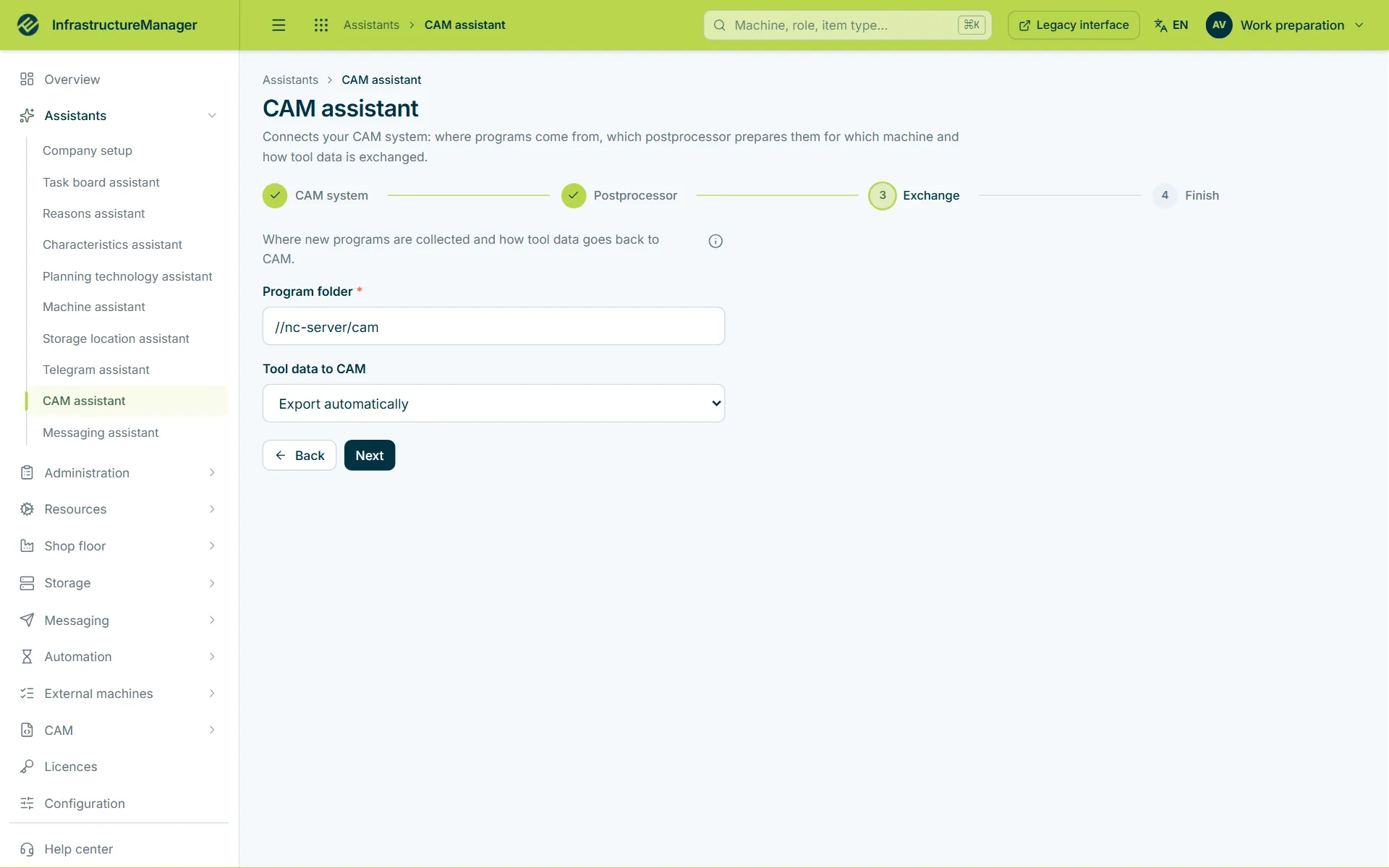
02
Connect manual and automated processes
Hardly any company produces fully automatically. One order may pass through manually set-up machines, manual workstations and an automated cell. EVOMECS maps this route end to end and creates transparency across both areas.
More on order control & worker guidance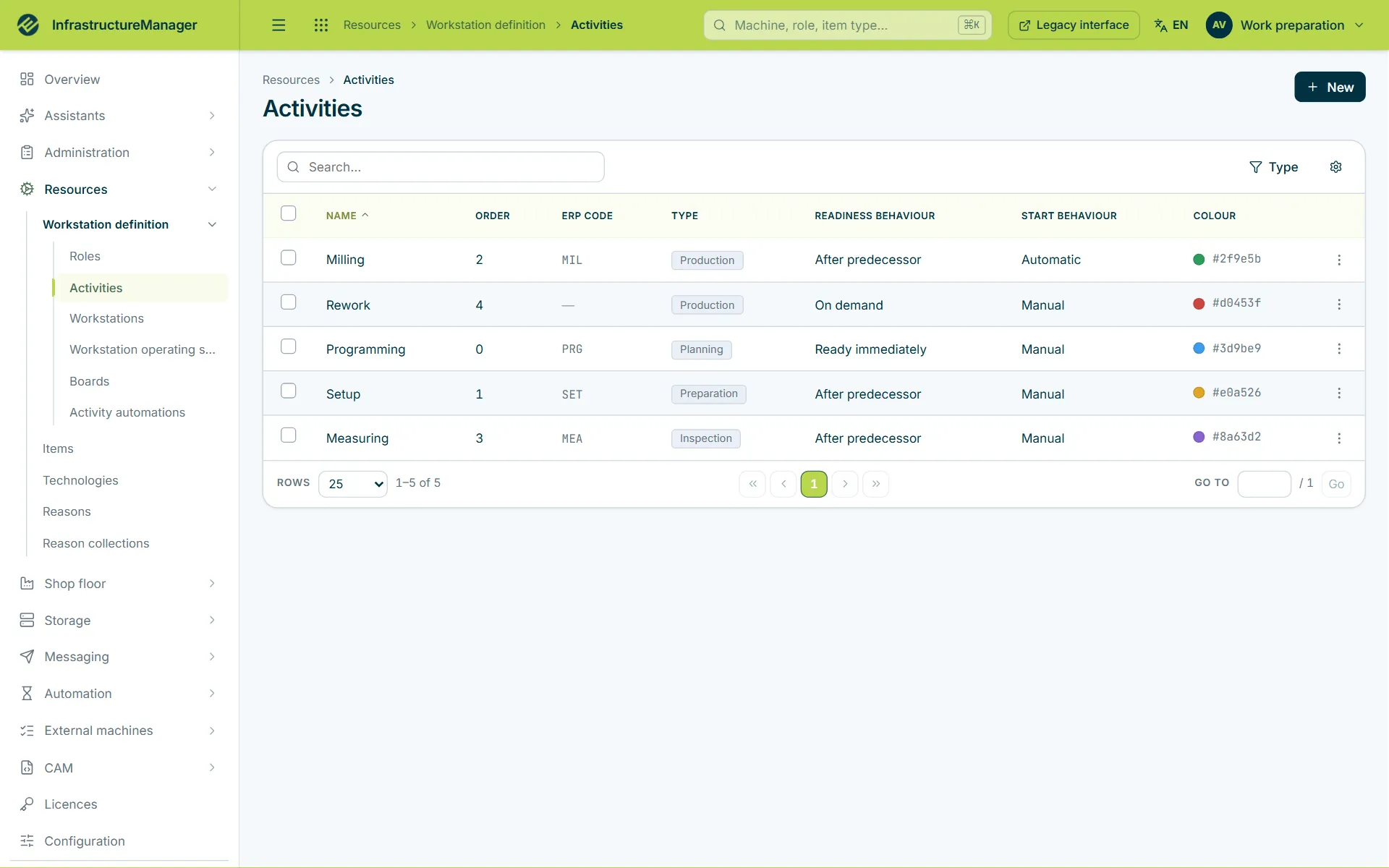
03
Reuse existing digital processes
The digital tool process and NC program management apply in the automated plant just as they do at the manually operated machine. The workflows your team already knows are not reinvented for automation.
More on the digital tool process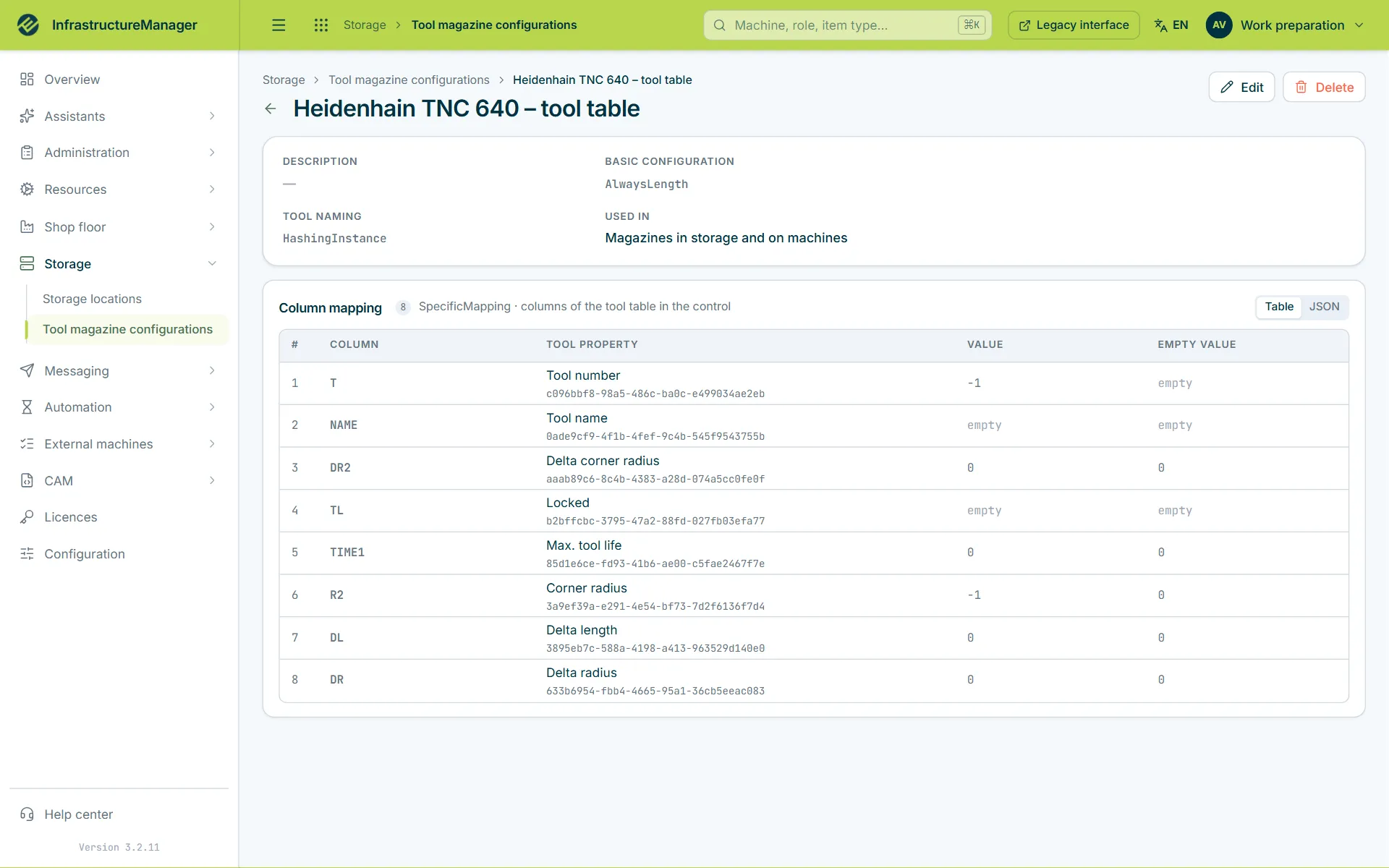
04
Expand step by step
You can start with digital worker guidance and production data capture. Later, the tool process, NC integration and finally automated cells or mobile robotics are added. Each step builds on the previous one.
More on mobile robotics & autonomous systems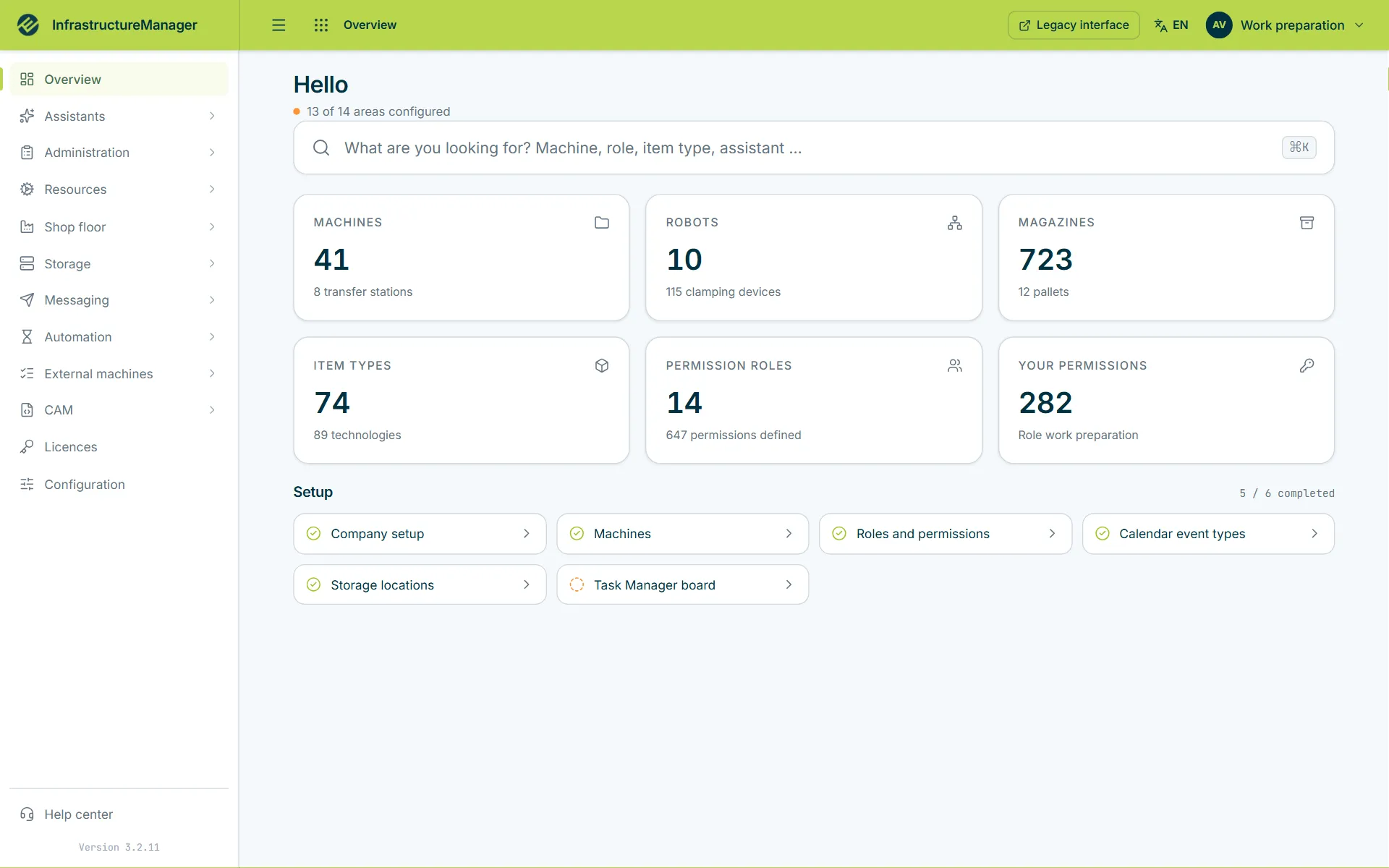
One platform, one expansion path
What you digitalise today, automation can use later.
Managing orders, tools and NC programs digitally with EVOMECS today already creates the data basis for automation later on. The cell accesses the same information as the workstation. Shop floor and automation grow together instead of existing side by side as isolated systems.
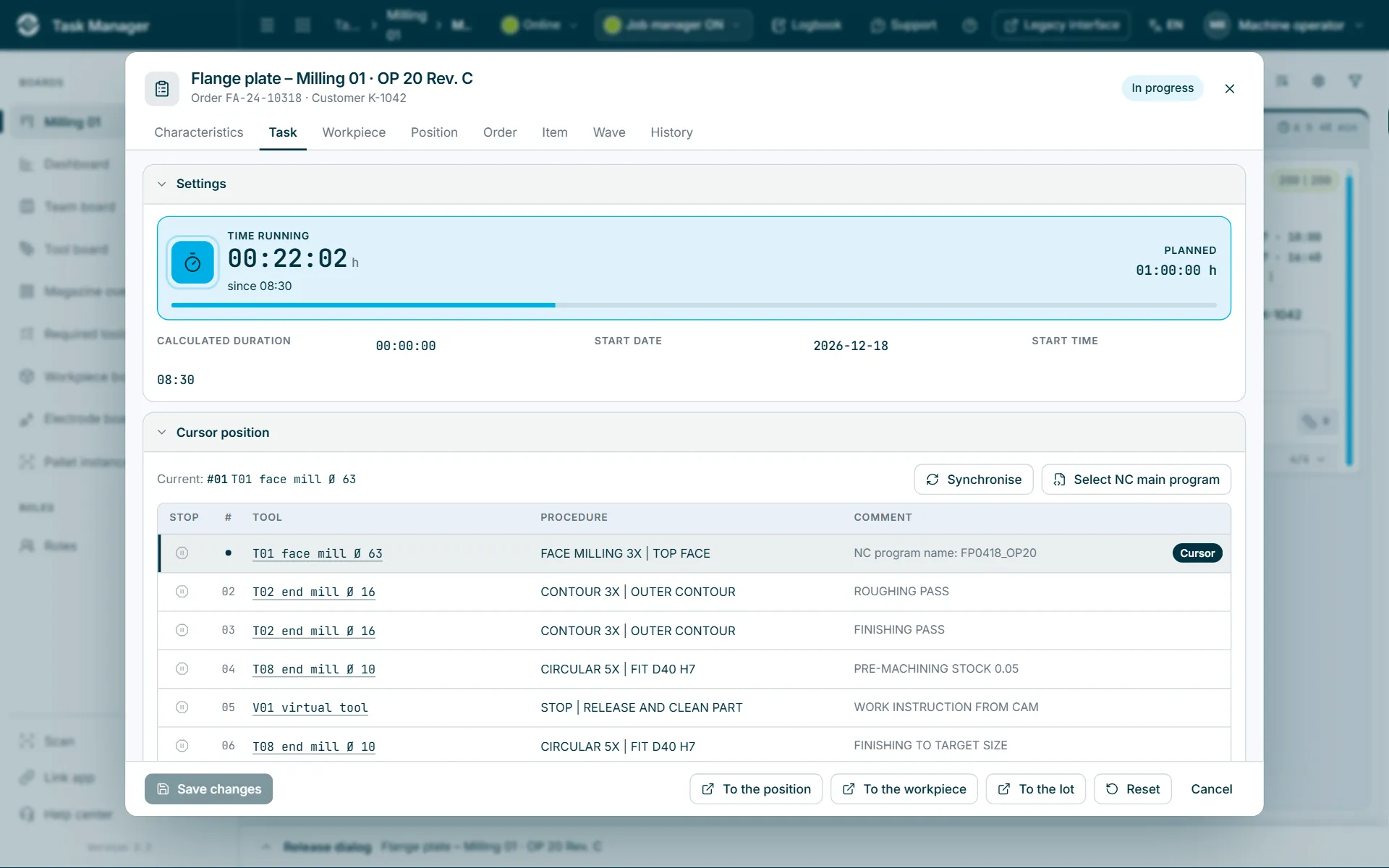
One data basis from the manual workstation to the cell.
Analyse manual and automated areas in dashboards- No separate system worlds for shop floor and automation.
- No redundant maintenance of order, tool and NC data.
- Consistent production information from the order to automated execution.
- Transparency across manual and automated processes.
- Integration of different machines and automation components.
- Expansion at the pace that suits your company.
Frequently asked questions about integrated manufacturing automation.

Benjamin Neubauer
Chief Executive Officer (CEO), EVOMECS
How to get started
Your demo – tailored to your production.
In the first meeting we show you EVOMECS in a live demo tailored to your company. Afterwards you can try EVOMECS free of charge for two weeks in your own demo system.
- 1First meeting · 30 minutes onlineWe introduce EVOMECS, show it in a short live demo and clarify your needs.
- 2Your demo systemIf you wish, we set up your own demo system in Shopfloor Light – with your machines and sample data. You receive the invitation by email.
- 3Try it yourself for two weeksYou and your colleagues try out how orders, feedback, machine status and downtimes work together. Free of charge, without installation and without connecting machines.
- 4Connect your machinesIn Shopfloor Light you connect your machines yourself using our guide. If you wish, we support you in a pilot project.
First meeting: 30 minutes · online · free of charge