
NC & job management
The right NC program.
For exactly this job.
EVOMECS manages NC programs centrally, by article and with traceable versions. In the production job, order, NC program, required tools and machine are linked together. The machine then starts with the right program version – after a preparation that has been checked beforehand.
- Article-oriented NC data management with versioning
- Take required tools and prerequisites into account
- Order-related transfer and process-reliable machine start
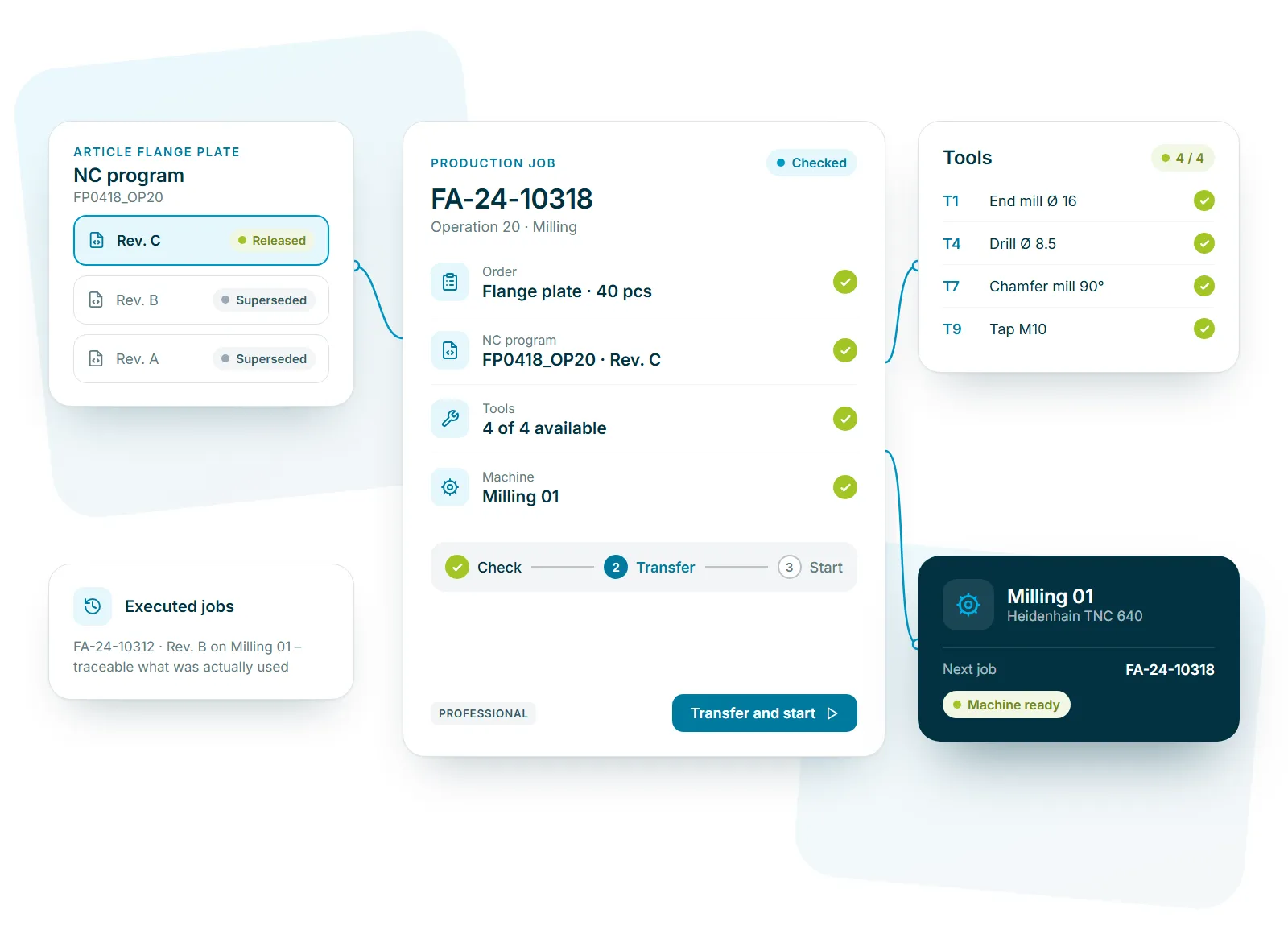
From the CAM system to the machine start – one job, one set of data.
An NC program on its own is not yet a production job. That also takes the order it runs for, the tools it needs, the machine it runs on – and the certainty that it is the right program version. When programs sit in network folders and are selected and transferred by hand, that certainty depends on individual care.
EVOMECS takes over NC programs from the CAM system, stores them by article with versions and assigns them to the production job. Because the tool data comes from the same platform, it can be checked before transfer whether the required tools and prerequisites are in place. The program is then transferred order-related to the intended machine and the job is started.
NC data management is included from Shopfloor Essentials; order-related transfer and process-reliable machine start are part of Shopfloor Professional and depend on the control, interface and licences.
Example illustration
Job PO-24-10322 · Operation 30 · Milling 1
- Program versionCurrent version of the NC program assigned to the article
- ToolsRequired tools checked against the available tool data
- MachineIntended machine and production prerequisites match the job
- Transfer and startOrder-related NC transfer to the machine · Shopfloor Professional
More than a place to store NC files.
01
Manage NC programs by article
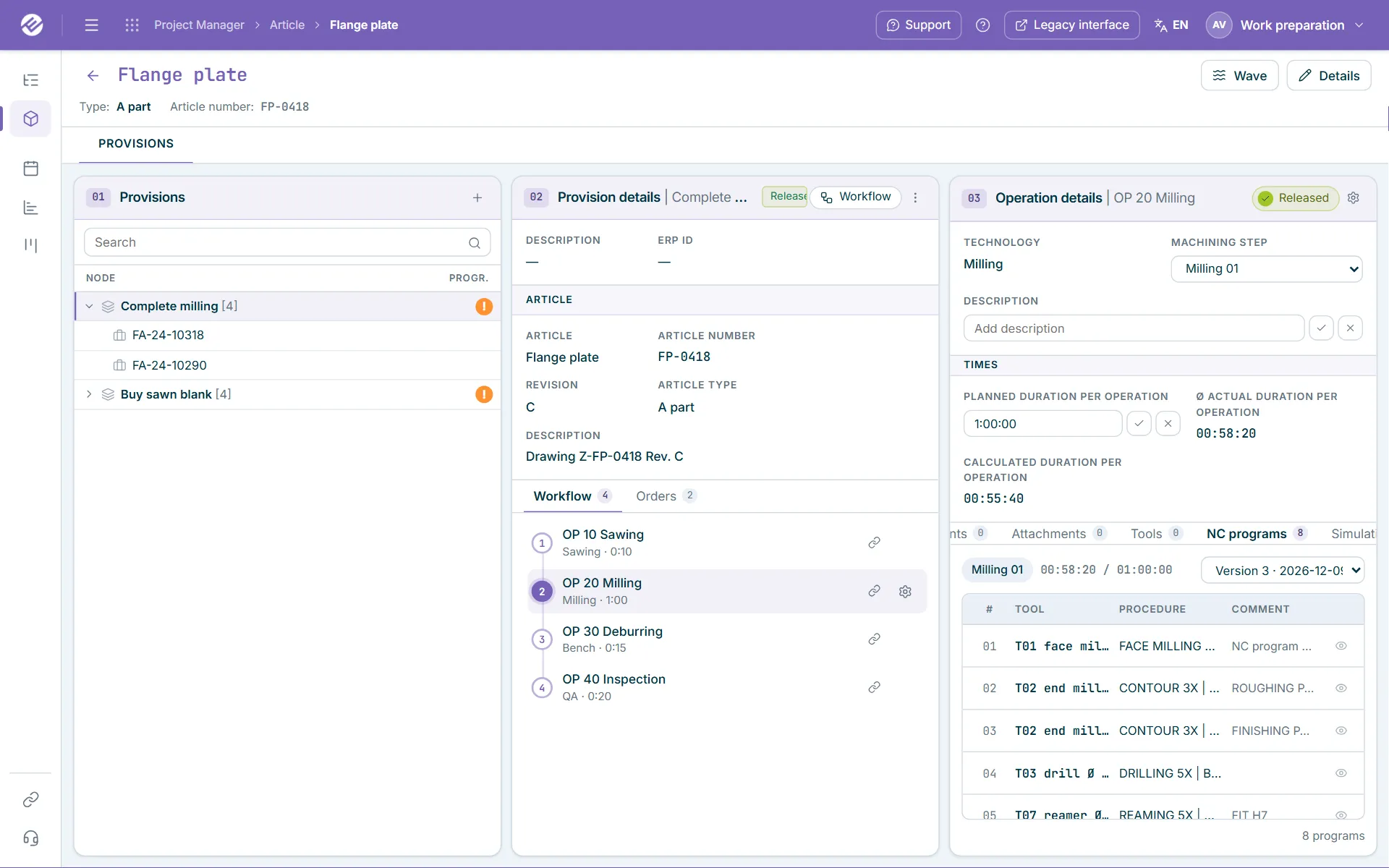
In EVOMECS, NC programs belong to the article, not to a folder path. Versioning and revision levels show which version was created when and which one applies to production. For repeat orders, the most recently produced program version is ready instead of having to be searched for again.
02
NC data directly from the CAM system
EVOMECS takes over NC programs and relevant NC information from the CAM system. Because the tool database is also linked to the CAM system, NC program and tool demand refer to the same tools – without a second tool list that has to be maintained separately.
More on equipment & tool process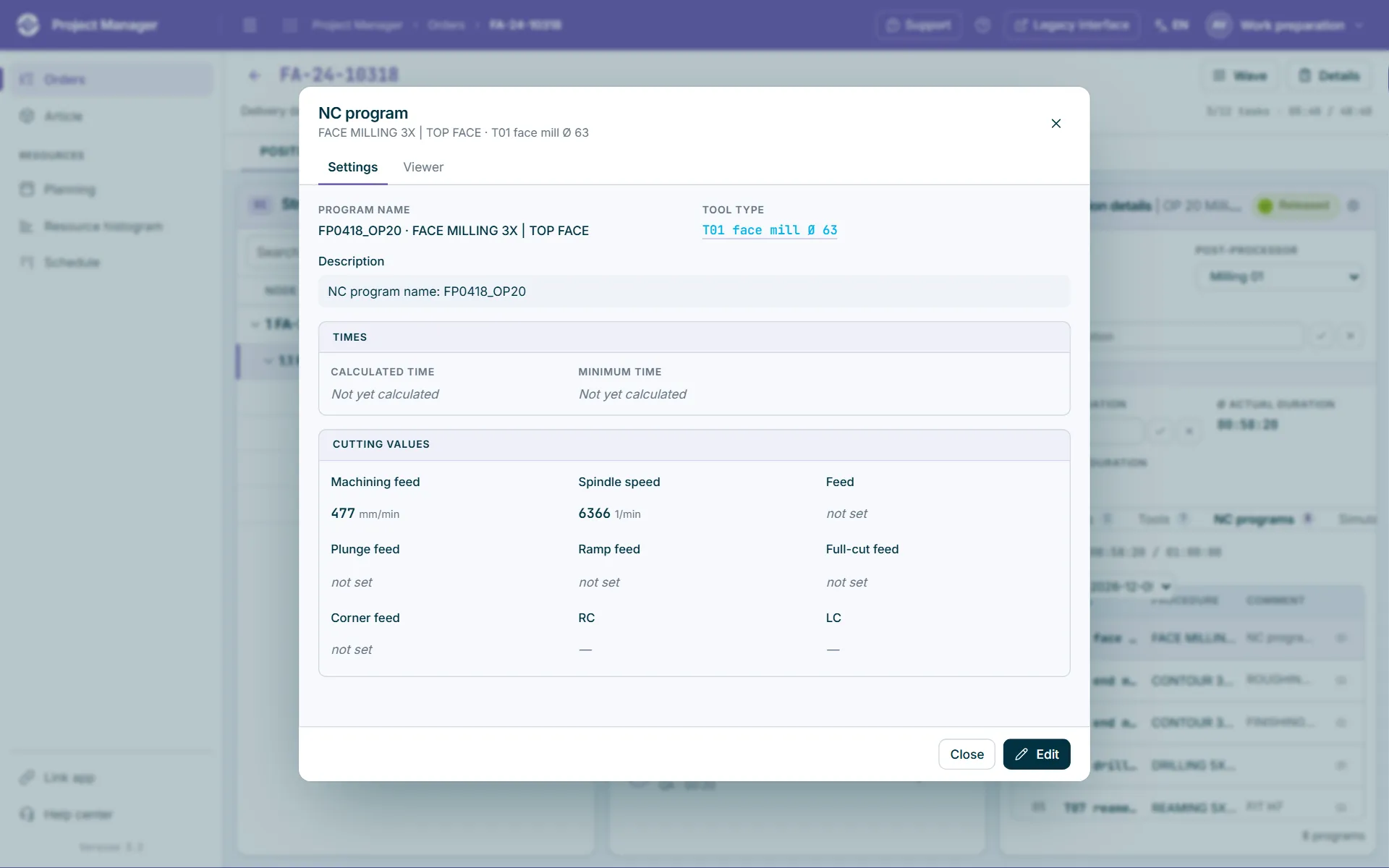
03
Connect order, program, tools and machine
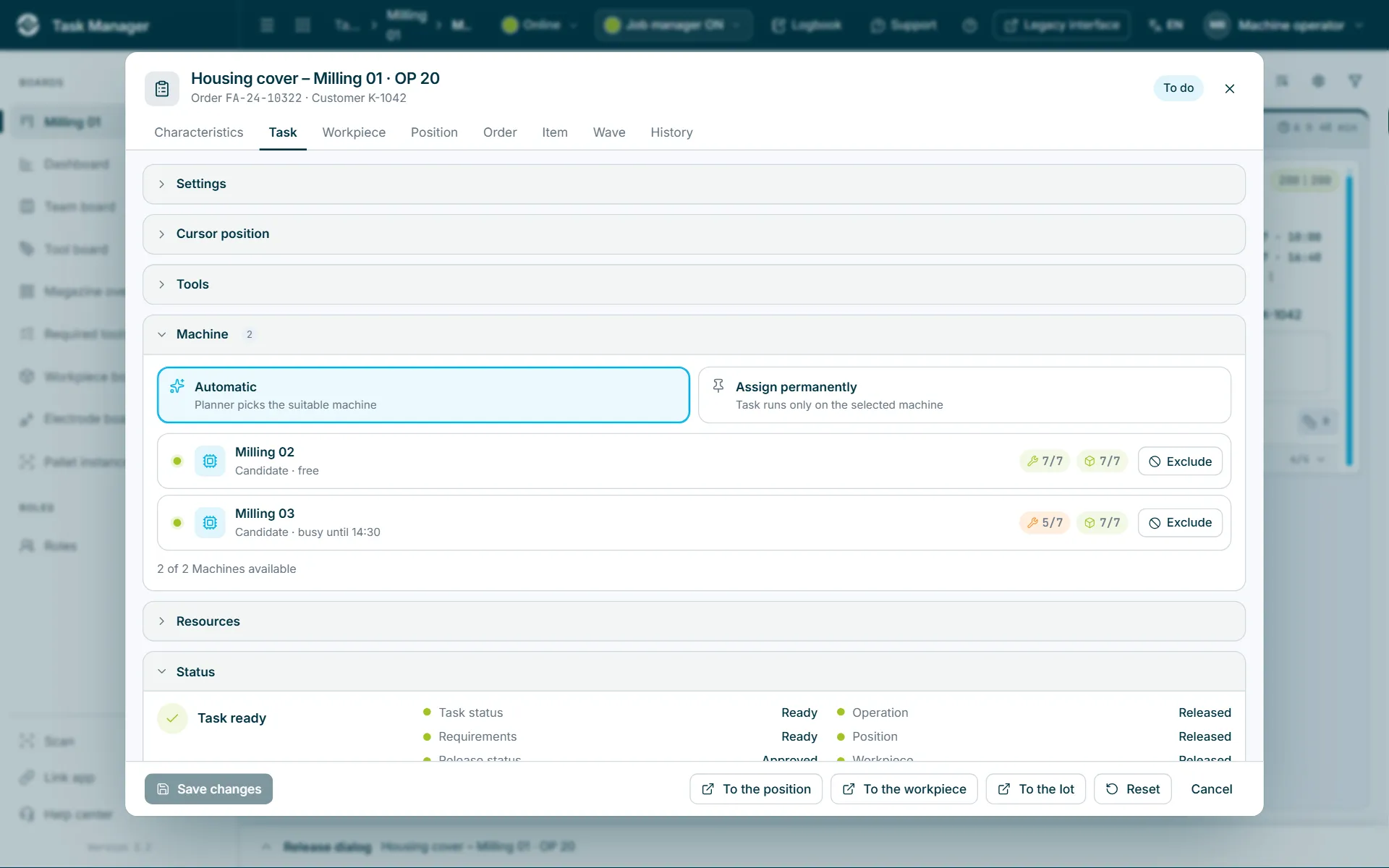
The production job links the order with the right NC program, the required tools and the intended machine. If a tool is missing or a production prerequisite is still open, this becomes visible during job preparation rather than at the machine. Order control organises the order; job management secures its technical execution.
More on order control & worker guidance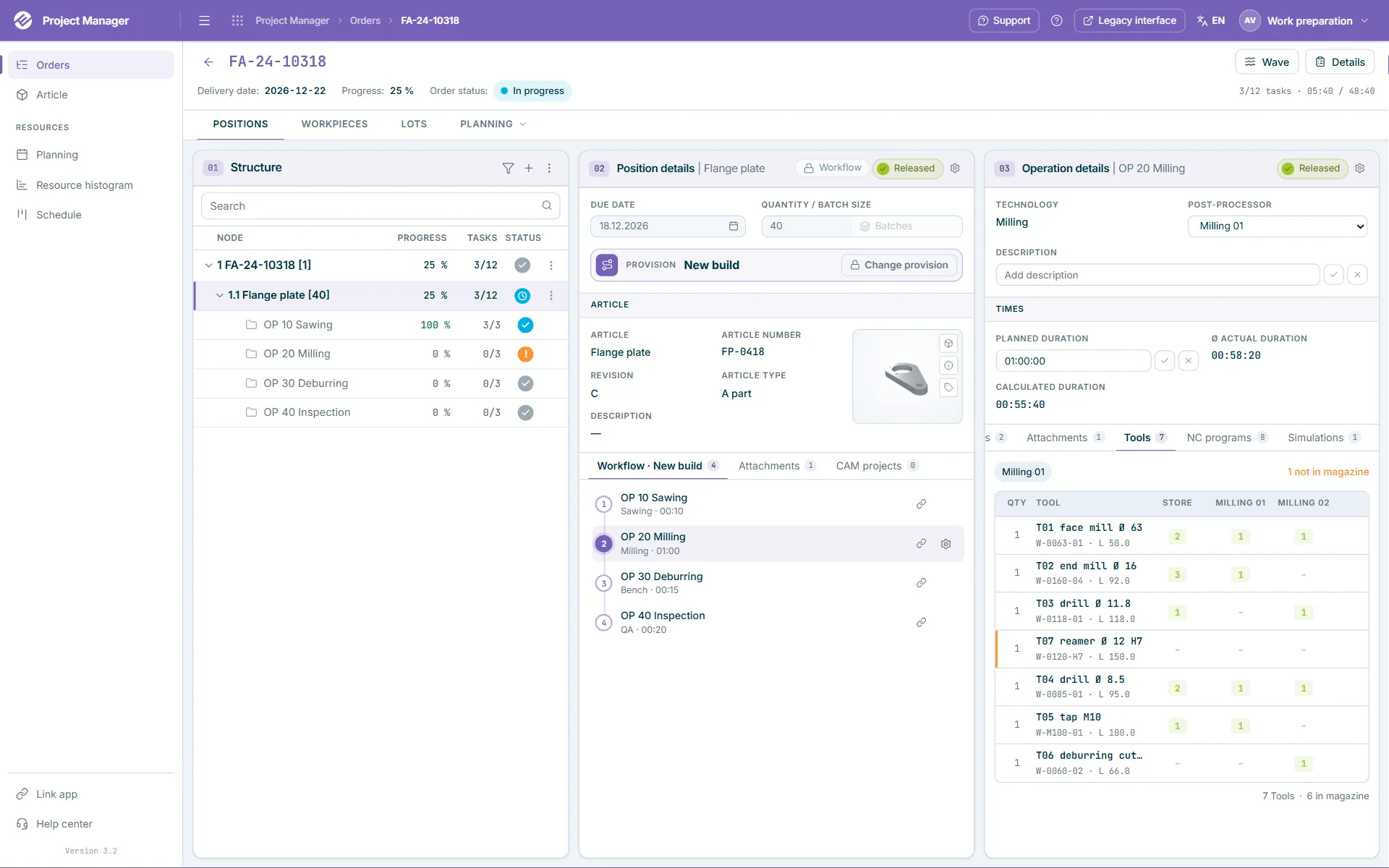
04
Trace executed jobs
For every executed job, it remains clear which program version ran for which order on which machine. In the event of queries, complaints or program changes, you can trace what was actually used in production.
More on quality management & traceability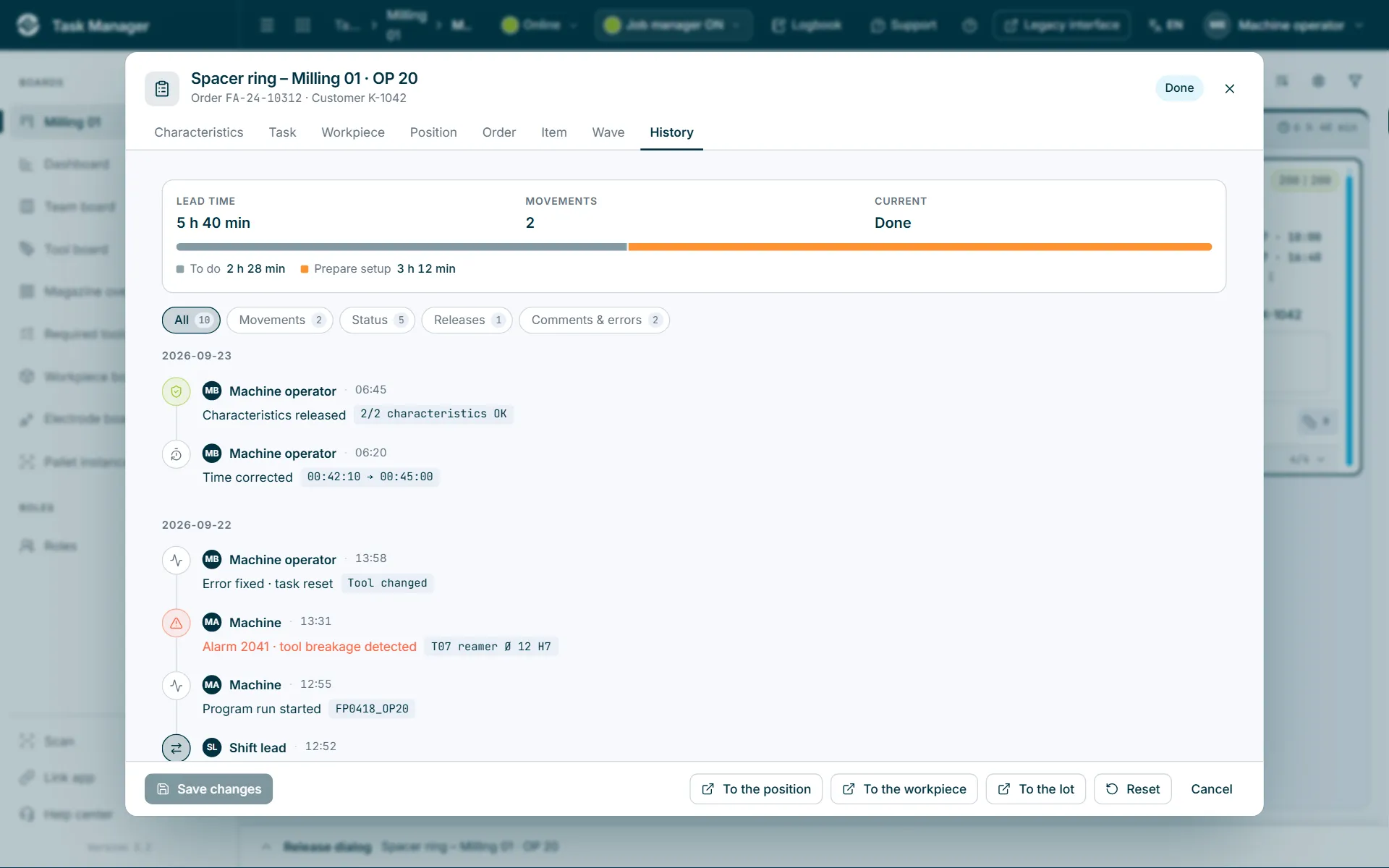
Process-reliable machine start
Check first, then transfer, then start.
With Shopfloor Professional, EVOMECS transfers the NC program order-related to the machine the job is intended for. Program version, required tools and relevant production prerequisites are taken into account. This reduces errors caused by wrong program versions and incomplete preparation – especially with repeat parts, short-notice program changes and shift handovers, when not everyone knows what was changed last.
Right program version. Prepared job. Traceable execution.
Continue to precision machining- One central place for NC programs instead of scattered folders and data carriers.
- Traceable versions and revision levels per article.
- Fewer errors caused by wrong or outdated program versions.
- Missing tools and open prerequisites show up before the start.
- No searching for and manually transferring programs at the machine.
- Evidence of which program ran for which order on which machine.
From Shopfloor Essentials, extended in Professional
Manage NC data. Secure NC processes.
Central, versioned NC data management is included from Shopfloor Essentials. Shopfloor Professional adds order-related NC transfer and the process-reliable machine start.
Shopfloor Light
Create transparency
Bring orders digitally to the workstation, guide employees and capture production and machine data – with dashboards and basic in-process quality management.
Shopfloor Essentials
Digitalise the tool process
Adds the digital tool process – CAM-linked tool data, tool demand planning, connection of tool presetting, tool data transfer to the machine and NC data management.
Shopfloor Professional
Secure NC processes
Connects order, NC program and tools during execution – with order-related NC transfer, process-reliable machine start, extended traceability, basic fit handling at the machine and sister tool management based on tool life.
Shopfloor Precision
Master precision
For demanding machining – full fit handling declared in the NC program, virtual tools, targeted tool changes via the NC program and full sister tool management based on tool path length.
Frequently asked questions about NC data management and job management.

Benjamin Neubauer
Chief Executive Officer (CEO), EVOMECS
How to get started
Your demo – tailored to your production.
In the first meeting we show you EVOMECS in a live demo tailored to your company. Afterwards you can try EVOMECS free of charge for two weeks in your own demo system.
- 1First meeting · 30 minutes onlineWe introduce EVOMECS, show it in a short live demo and clarify your needs.
- 2Your demo systemIf you wish, we set up your own demo system in Shopfloor Light – with your machines and sample data. You receive the invitation by email.
- 3Try it yourself for two weeksYou and your colleagues try out how orders, feedback, machine status and downtimes work together. Free of charge, without installation and without connecting machines.
- 4Connect your machinesIn Shopfloor Light you connect your machines yourself using our guide. If you wish, we support you in a pilot project.
First meeting: 30 minutes · online · free of charge