
Execute on the shop floor
EVOMECS Wave
Conversations that stay with the work — and help that's one click away.
Wave is the communication and support layer of the EVOMECS suite. A wave is a conversation tied to the thing it is about: an order, an article, a task. Instead of scattered e-mails and phone calls, questions and decisions live right next to the record, visible to everyone who works on it. And with "Talk to support", help — human or AI — is always one click away from the screen you are on.
What the app does
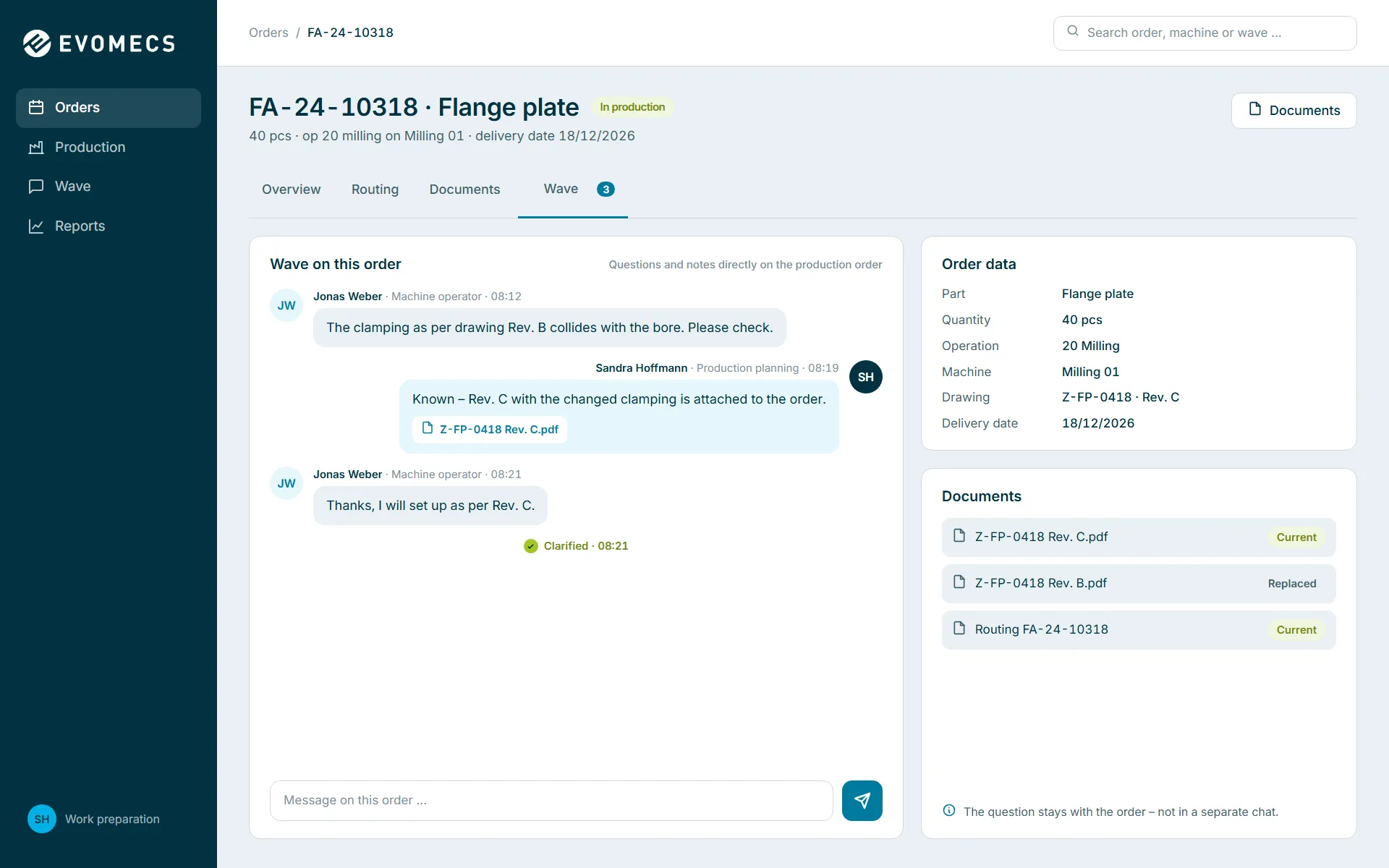
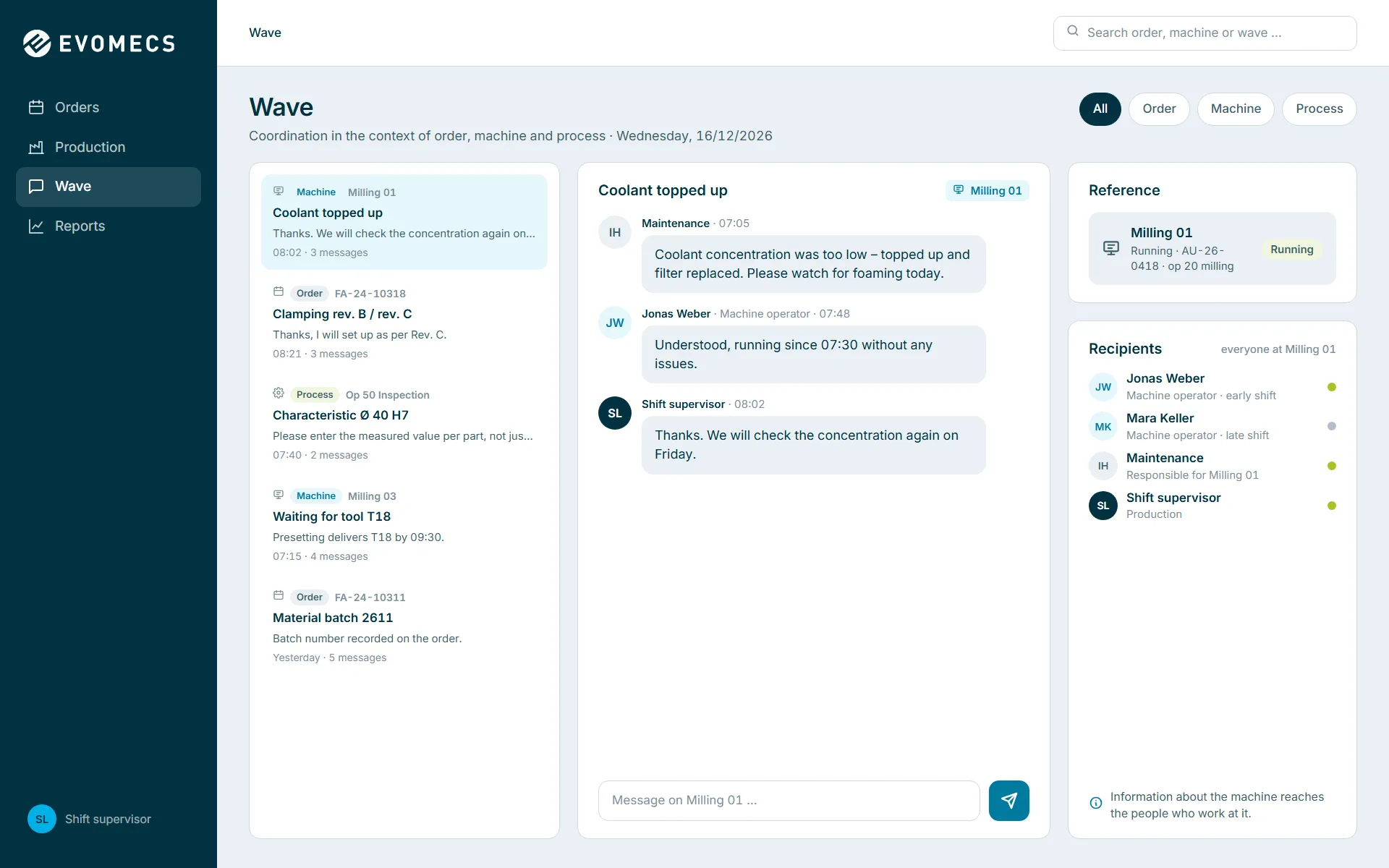
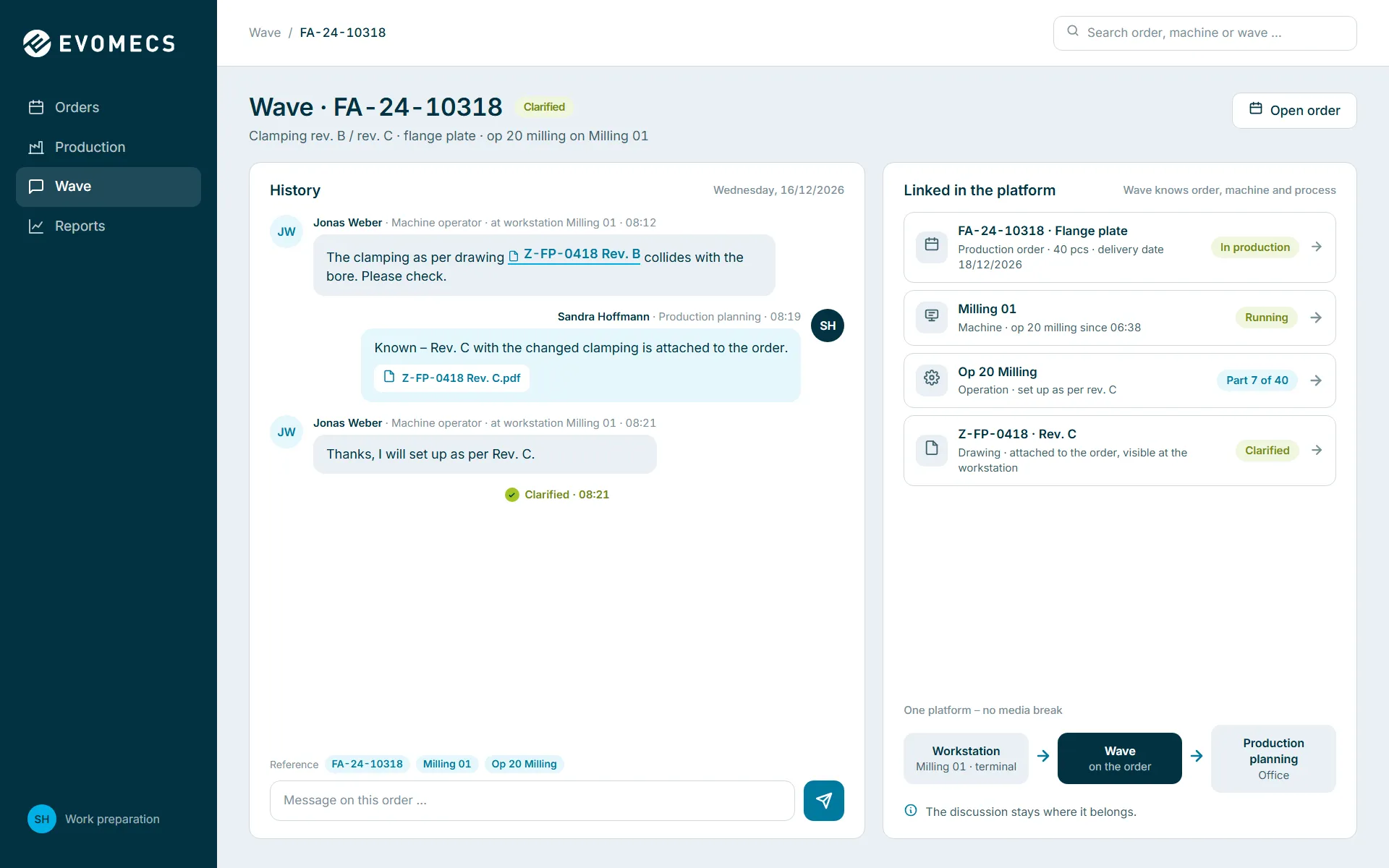
Discussions on the record
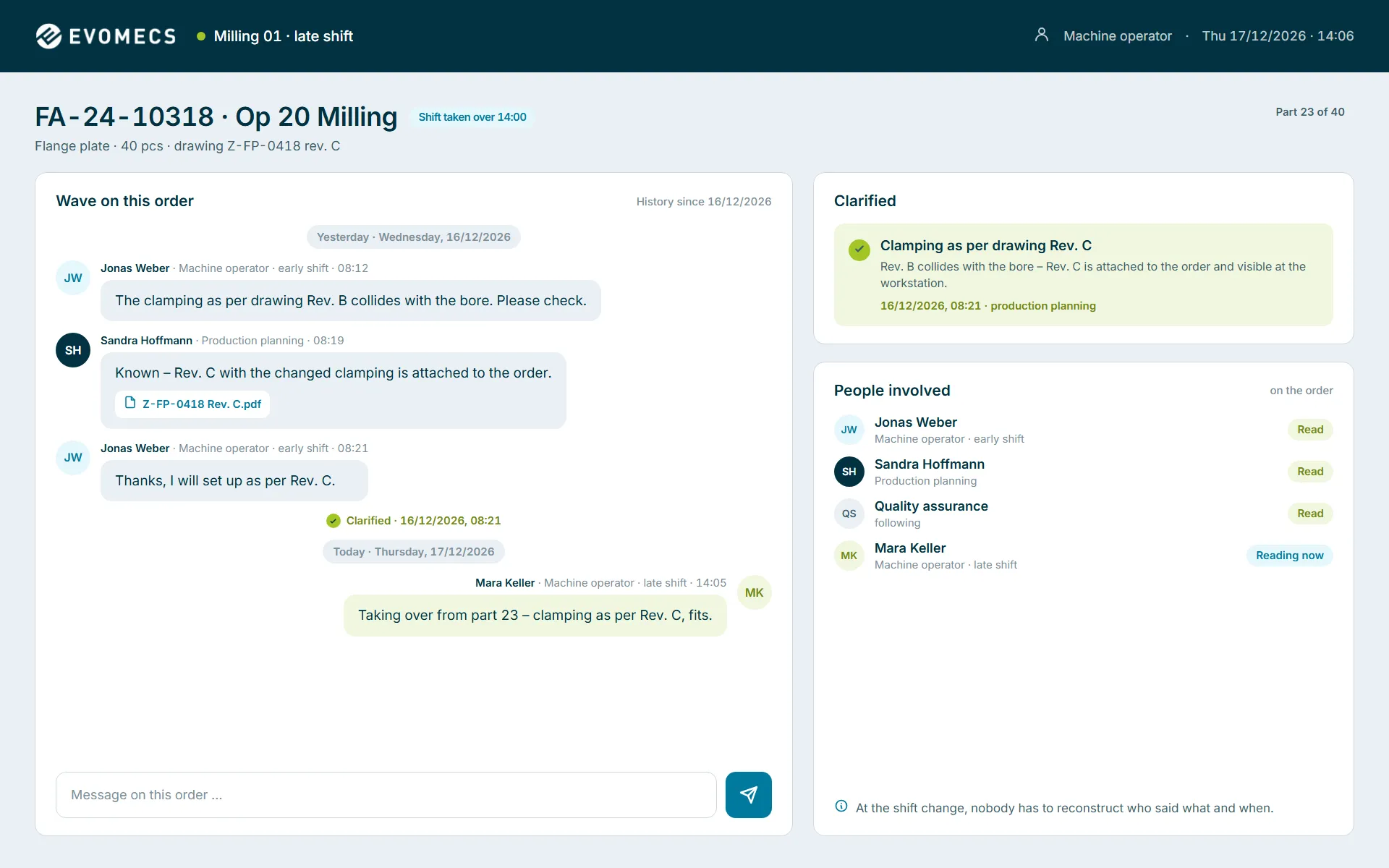
Start a wave on an order, article or task and discuss it there. Everyone who opens that record sees the conversation and how many waves are open about it.
Wave buttons everywhere
The order and article pages of the Project Manager and the task details of the Task Manager show their waves directly, embedded in the application.
Talk to support
A single button in every EVOMECS application opens a support conversation that already knows the context: which application, which page, which record.
AI assistant
An AI assistant answers questions about screens, fields and processes from the applications' own help documentation, and can look up the current data — read-only, with the rights of the person asking.
Actions with approval
When the assistant proposes to change something, the change is only made after a person has approved the proposal.
Find any conversation
Search waves and filter them by order, article or task.
Why it matters
- Decisions don't get lostWhat was agreed about an order or a part is stored with it, not in someone's inbox.
- Help in contextSupport starts with the right information, so problems are solved faster — often by the AI assistant before a person is needed.
- Safe by designThe assistant sees only what the user may see, and it never changes data without approval.
Part of the EVOMECS suite
Wave connects to every EVOMECS application — the Project Manager, Task Manager, Infrastructure Manager, Dashboard and the others — and brings their people and their help together.

Benjamin Neubauer
Chief Executive Officer (CEO), EVOMECS
How to get started
Your demo – tailored to your production.
In the first meeting we show you EVOMECS in a live demo tailored to your company. Afterwards you can try EVOMECS free of charge for two weeks in your own demo system.
- 1First meeting · 30 minutes onlineWe introduce EVOMECS, show it in a short live demo and clarify your needs.
- 2Your demo systemIf you wish, we set up your own demo system in Shopfloor Light – with your machines and sample data. You receive the invitation by email.
- 3Try it yourself for two weeksYou and your colleagues try out how orders, feedback, machine status and downtimes work together. Free of charge, without installation and without connecting machines.
- 4Connect your machinesIn Shopfloor Light you connect your machines yourself using our guide. If you wish, we support you in a pilot project.
First meeting: 30 minutes · online · free of charge