
Execute on the shop floor
EVOMECS Link App
Scan what, scan where — and the system knows where everything is.
Link App is the scanning app of the EVOMECS suite. It connects the physical world with the digital one in two scans: first the object — a pallet, a tool, a workpiece, a container, a trolley — then its destination — a storage place, a machine, another carrier. That's it: the link is booked, and every EVOMECS application knows the new location immediately.
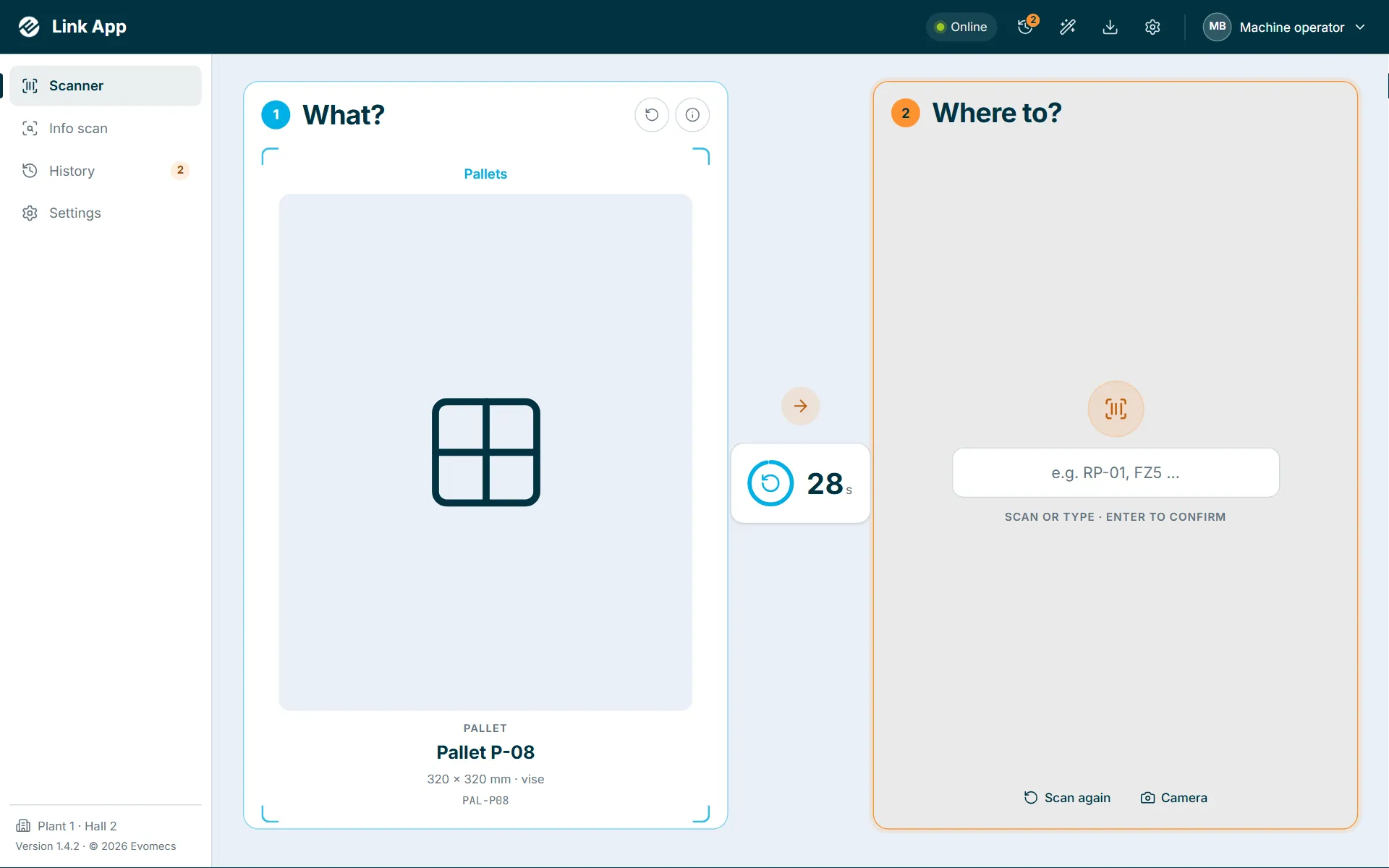
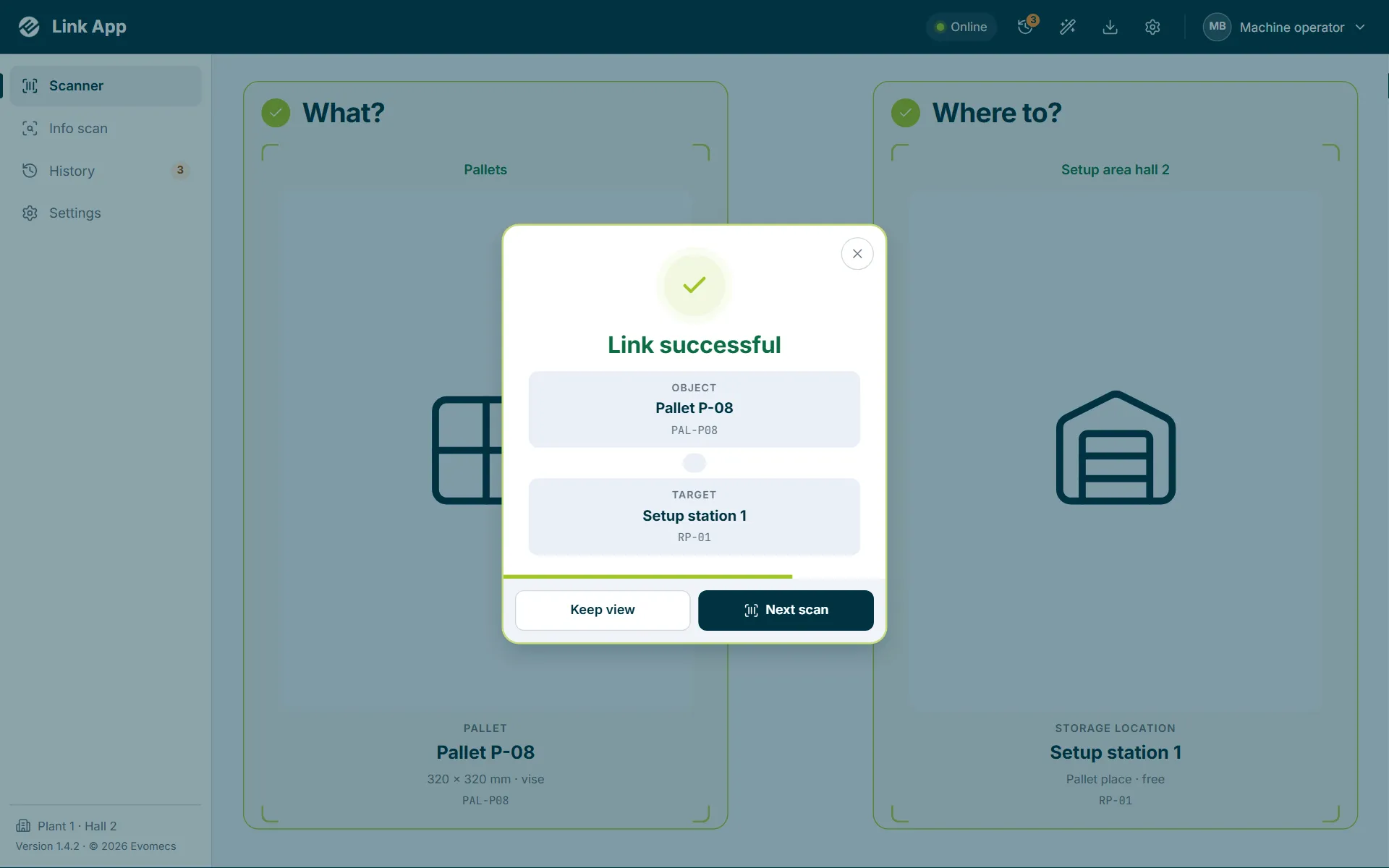
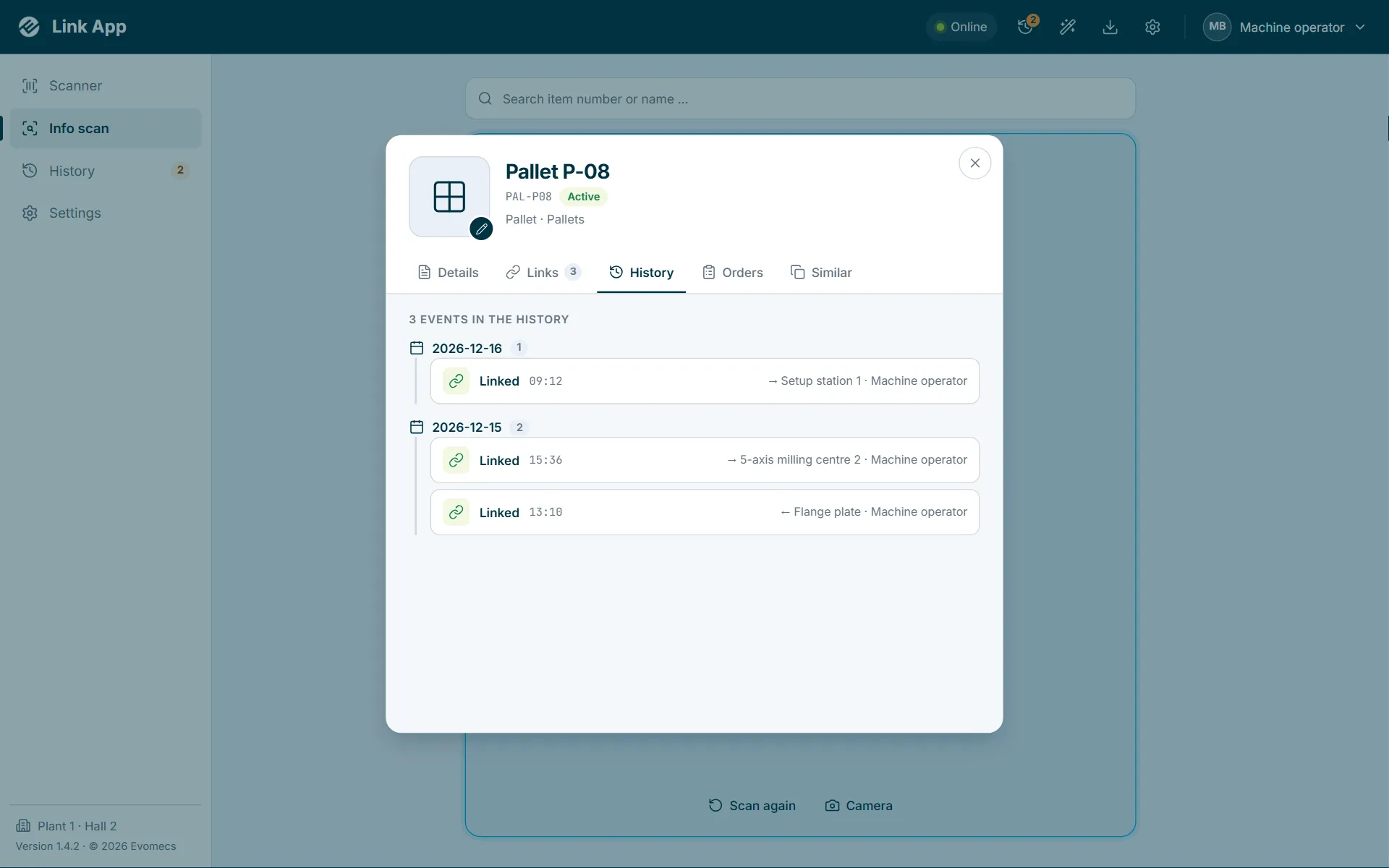
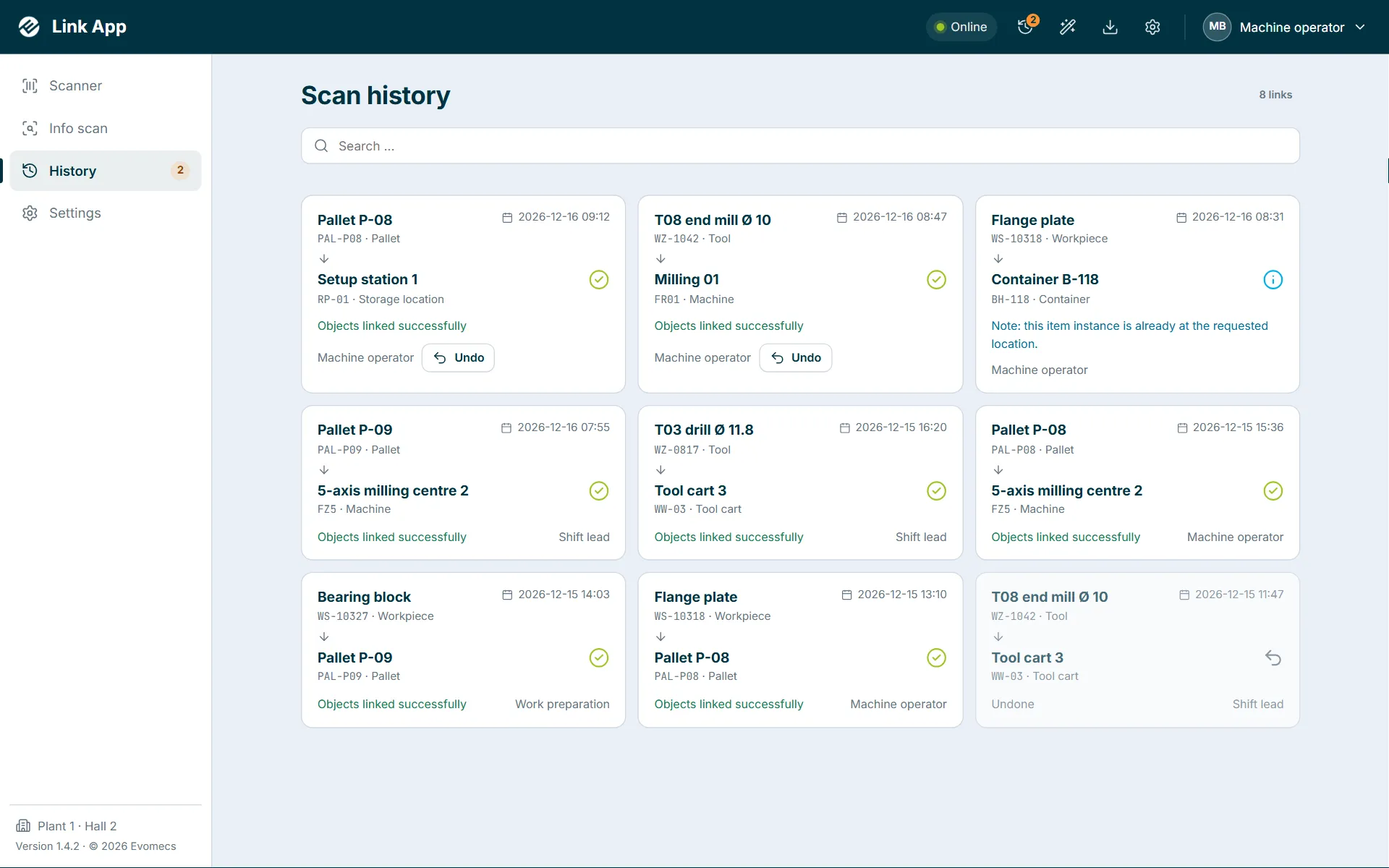
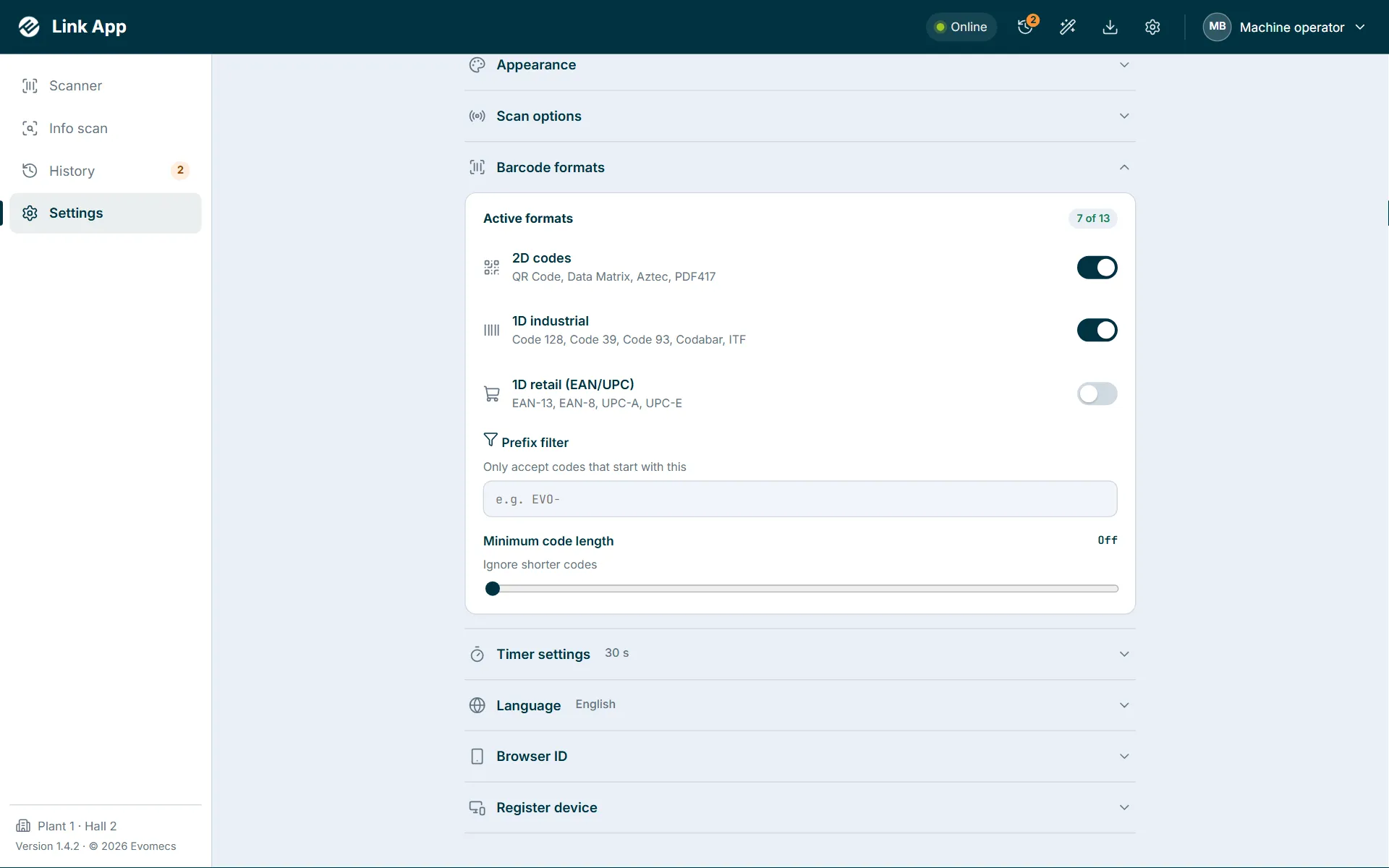
You can try the Link App click prototype in the desktop view – on a computer or tablet.
What the app does
Two-step linking
Scan *What?*, then *Where?*. A countdown keeps the first scan ready while the operator walks to the destination; a clear success or error message confirms the result.
Works with any scanner
Use a handheld barcode or RFID scanner that types into the app, the device camera or NFC tags. 1D and 2D codes are recognised, and prefix filters and a minimum length screen out unrelated codes. The active field always has the focus, so scanning just works.
Info scan
Scan or search any object to see its details, its current links, its history, the orders it belongs to and similar objects.
History with undo
Every link appears in a history with time and status — and a mistaken link is undone with one tap.
Mobile, web and terminal
Runs on Android and iOS devices and in the browser; a large font keeps it easy to read on shop floor terminals too.
Quick setup
A setup wizard guides through language (ten languages), connection, input method, appearance and timer — ready in minutes. Each device is registered with a name and workplace and keeps its own settings.
Why it matters
- Locations you can trustWhen moving something takes two scans, it actually gets recorded — and planning and the shop floor always see where pallets, tools and workpieces really are.
- No typing, no trainingTwo scans and a confirmation are all an operator needs to know.
- Fewer searchesKnowing where every object is saves the time spent looking for it.
Part of the EVOMECS suite
Link App records the physical moves that the Task Manager, the Project Manager, AssetHub and the Infrastructure Manager rely on — and it opens with a single click from the Task Manager, the Project Manager, the Order Manager and AssetHub.

Benjamin Neubauer
Chief Executive Officer (CEO), EVOMECS
How to get started
Your demo – tailored to your production.
In the first meeting we show you EVOMECS in a live demo tailored to your company. Afterwards you can try EVOMECS free of charge for two weeks in your own demo system.
- 1First meeting · 30 minutes onlineWe introduce EVOMECS, show it in a short live demo and clarify your needs.
- 2Your demo systemIf you wish, we set up your own demo system in Shopfloor Light – with your machines and sample data. You receive the invitation by email.
- 3Try it yourself for two weeksYou and your colleagues try out how orders, feedback, machine status and downtimes work together. Free of charge, without installation and without connecting machines.
- 4Connect your machinesIn Shopfloor Light you connect your machines yourself using our guide. If you wish, we support you in a pilot project.
First meeting: 30 minutes · online · free of charge